
.jpg&w=3840&q=75)
%2520Motorised%2520Projector%2520Screen%2520with%2520Remote%2520Control%25204-3%2520Screen%2520Ratio.jpg&w=3840&q=75)
.jpg&w=3840&q=75)
%2520.jpg&w=3840&q=75)
.jpg&w=3840&q=75)

Product Overview
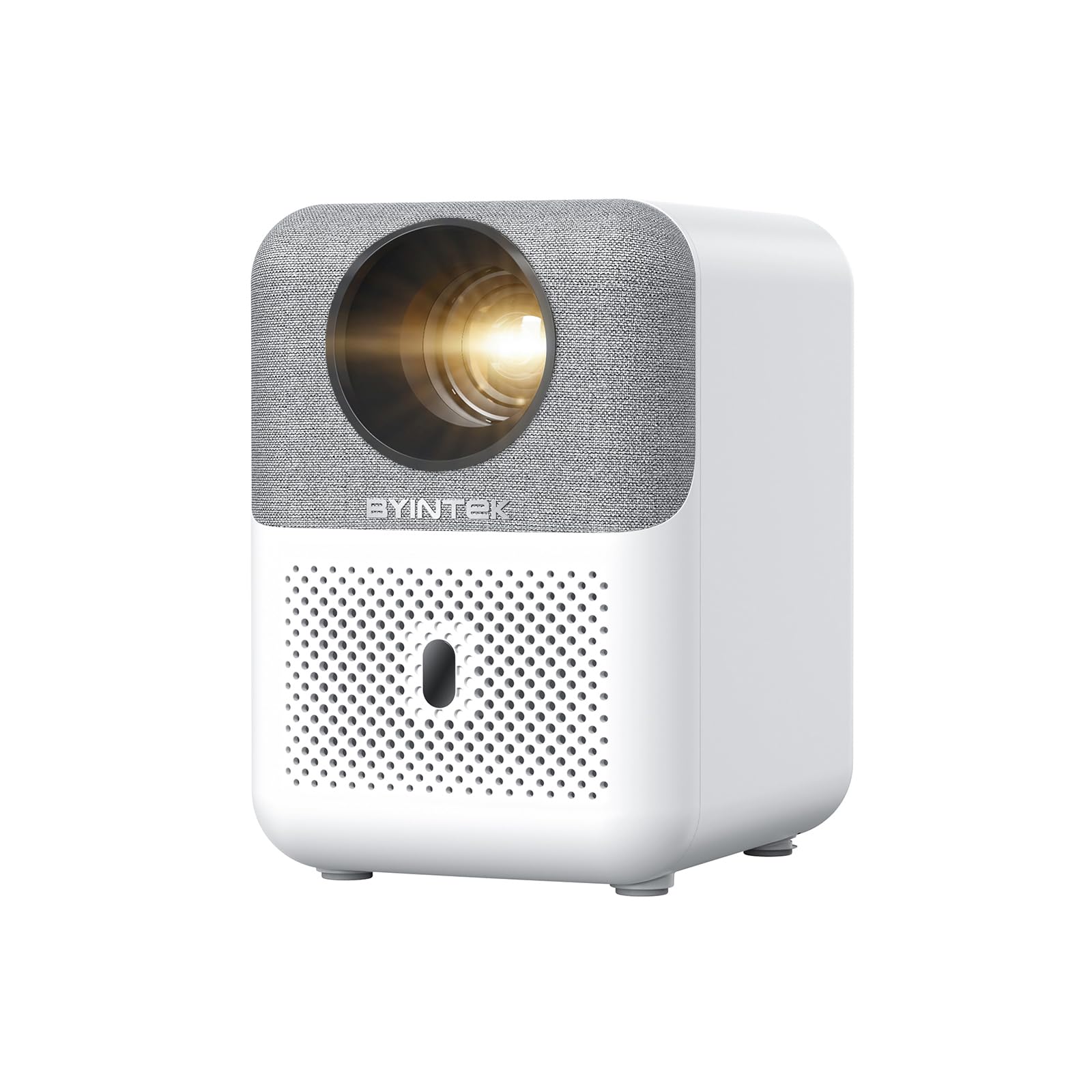
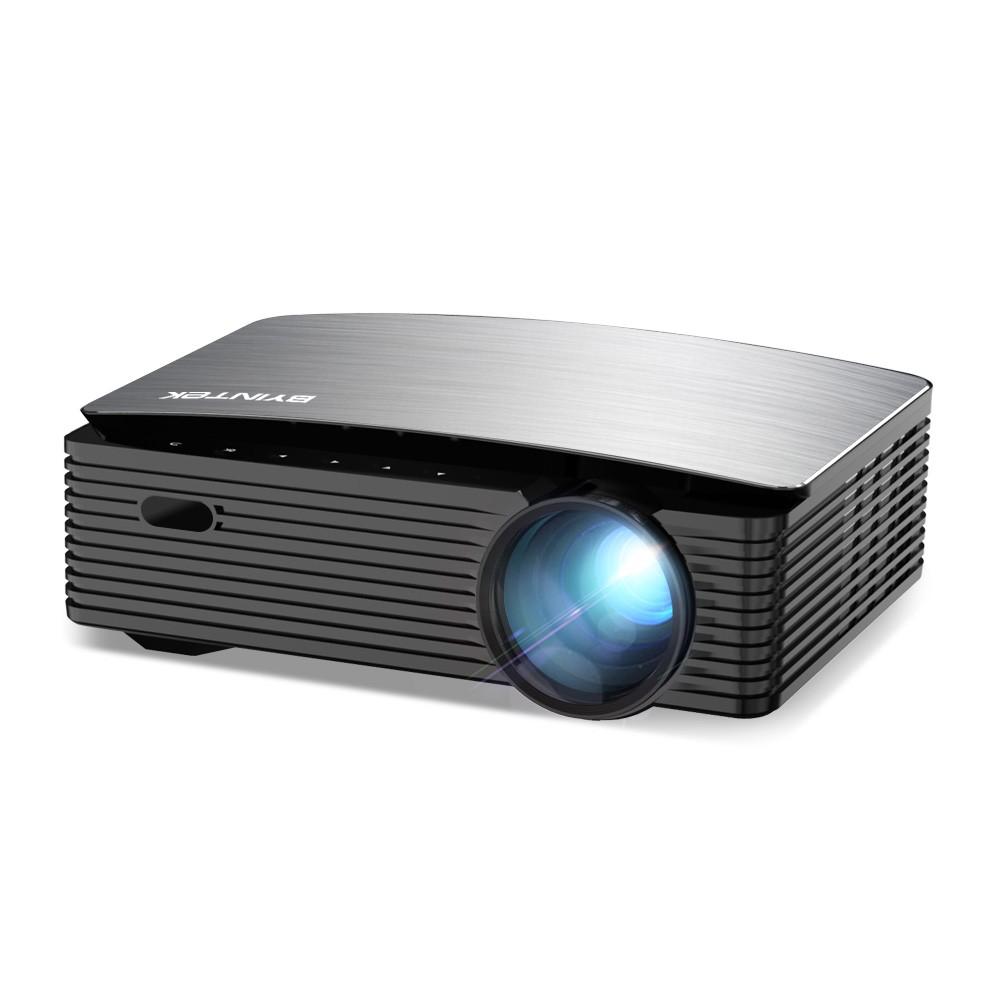
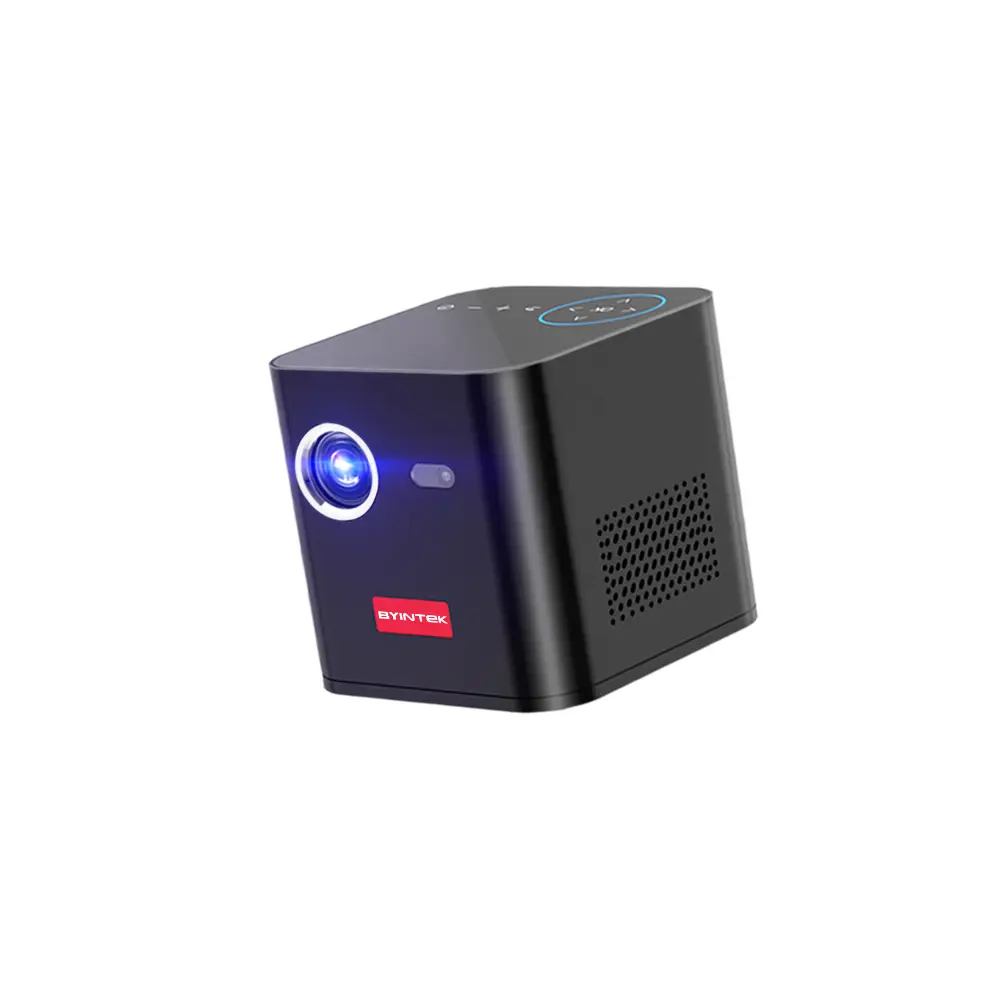
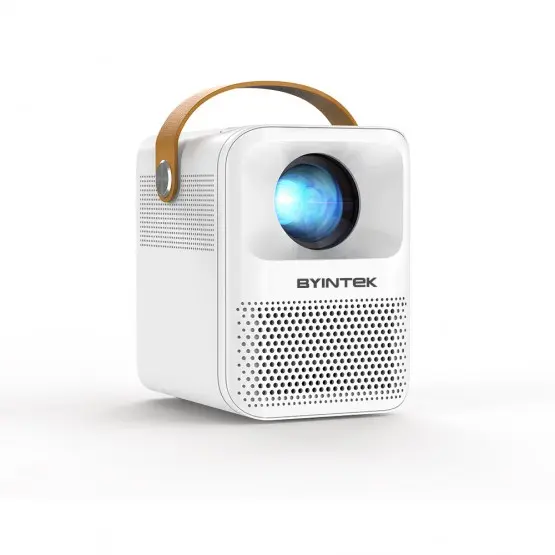
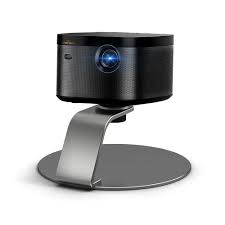
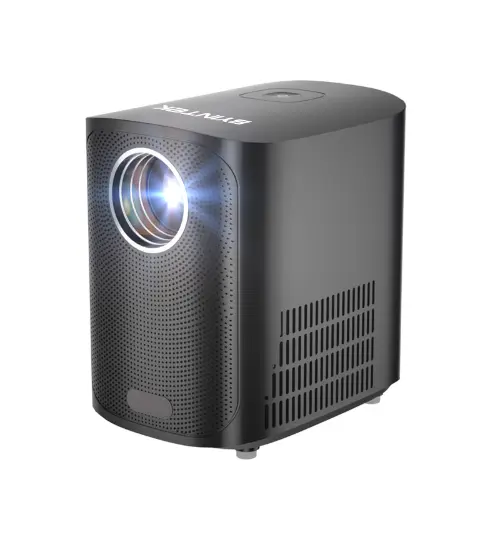
The BYINTEK SKY X20 720P Portable Smart Home Theater Projector is a compact and powerful projector that brings cinematic experiences to your home, office, or on the go. Running on Android 9.0, this smart projector offers a wide range of features, from streaming apps to wireless connectivity, allowing you to enjoy your favorite content effortlessly. With 250 ANSI lumens brightness, the SKY X20 is ideal for indoor use, offering bright, vibrant images even in rooms with moderate ambient light. Whether you're watching movies, playing games, or giving presentations, this projector’s versatility makes it an excellent choice for entertainment and productivity. Its 720P resolution provides clear and sharp visuals, while the portable design ensures you can easily set up and use it anywhere.
Portable Design and Smart Features
The BYINTEK SKY X20 is designed with portability in mind. Weighing just a few pounds and featuring a compact, lightweight build, it’s easy to transport, making it perfect for both home use and on-the-go entertainment. The Android 9.0 operating system offers the convenience of smart features, including built-in access to popular streaming apps like Netflix, YouTube, Amazon Prime, and more. You can stream your favorite movies, shows, and videos directly from the projector without the need for an external device. With built-in Wi-Fi and Bluetooth, the projector supports wireless screen mirroring, allowing you to connect to smartphones, tablets, and laptops without the need for messy cables.
Display Quality
The BYINTEK SKY X20 features a 720P HD resolution, which provides clear, sharp images for your home theater or presentation needs. While it may not offer the ultra-high-definition resolution of some higher-end projectors, it still provides a fantastic viewing experience, making it suitable for casual movie nights, gaming, or office presentations. The 250 ANSI lumens brightness ensures that the images remain vibrant and visible in rooms with some ambient light, offering a good balance of brightness for small to medium-sized rooms without being too dim or washed out. This level of brightness is ideal for indoor settings where complete darkness is not necessary but still delivers good contrast and clarity.
Connectivity and Versatility
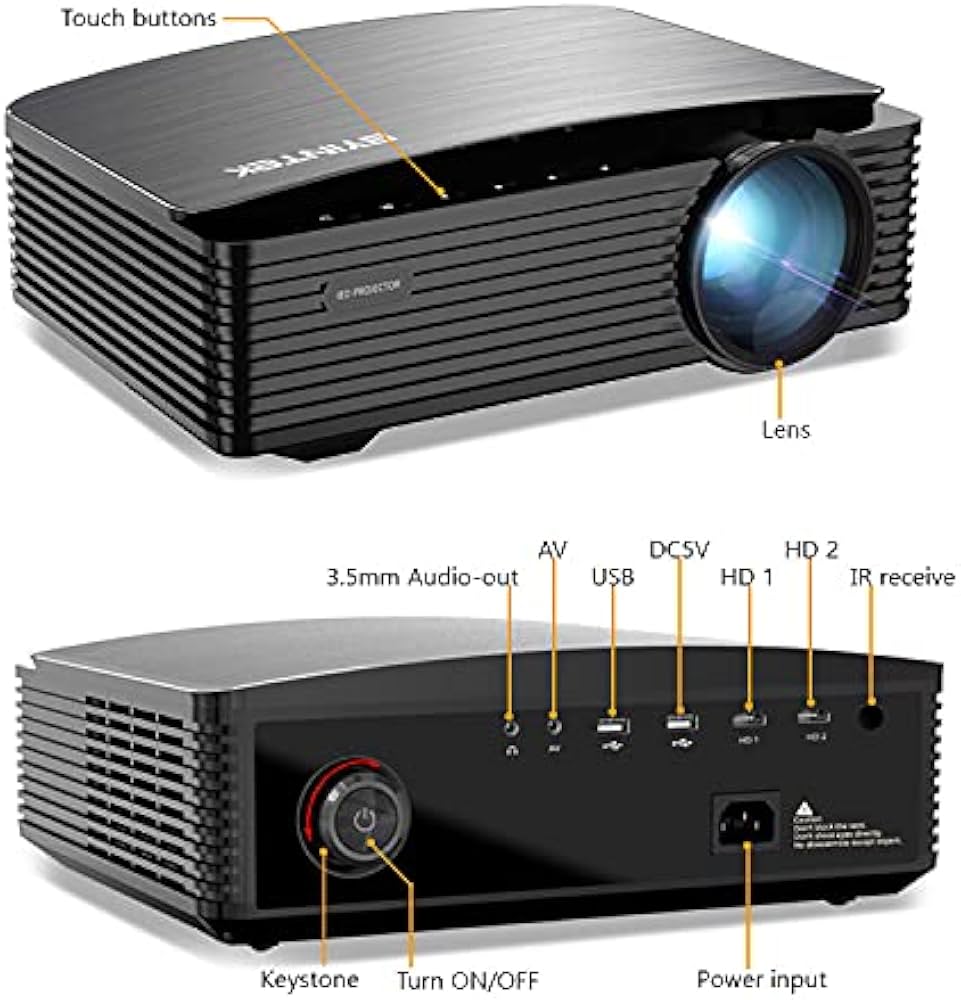
This projector is incredibly versatile when it comes to connectivity. It includes HDMI, USB, and AV ports, allowing you to easily connect your laptop, gaming console, DVD player, USB flash drive, or any other compatible device. Additionally, it supports wireless screen mirroring, enabling you to project content directly from smartphones, tablets, or laptops without the hassle of cables. The Bluetooth feature allows you to connect external speakers, headphones, or other Bluetooth-enabled devices to enhance the audio experience. With this extensive range of connectivity options, the SKY X20 offers flexibility for all types of content and devices.
Built-in Audio and Quiet Operation
The BYINTEK SKY X20 features built-in stereo speakers for sound, providing decent audio for general use. However, for a more immersive experience, you can easily connect the projector to external speakers via Bluetooth or the 3.5mm audio jack. The quiet fan operation ensures that the projector runs quietly, even during extended use, which is especially useful for watching movies or giving presentations without distracting background noise.
Projection Size and Viewing Distance
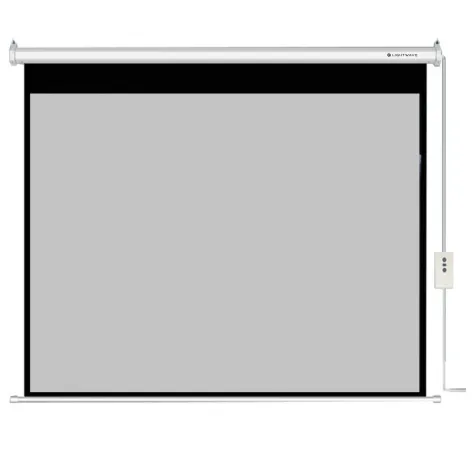
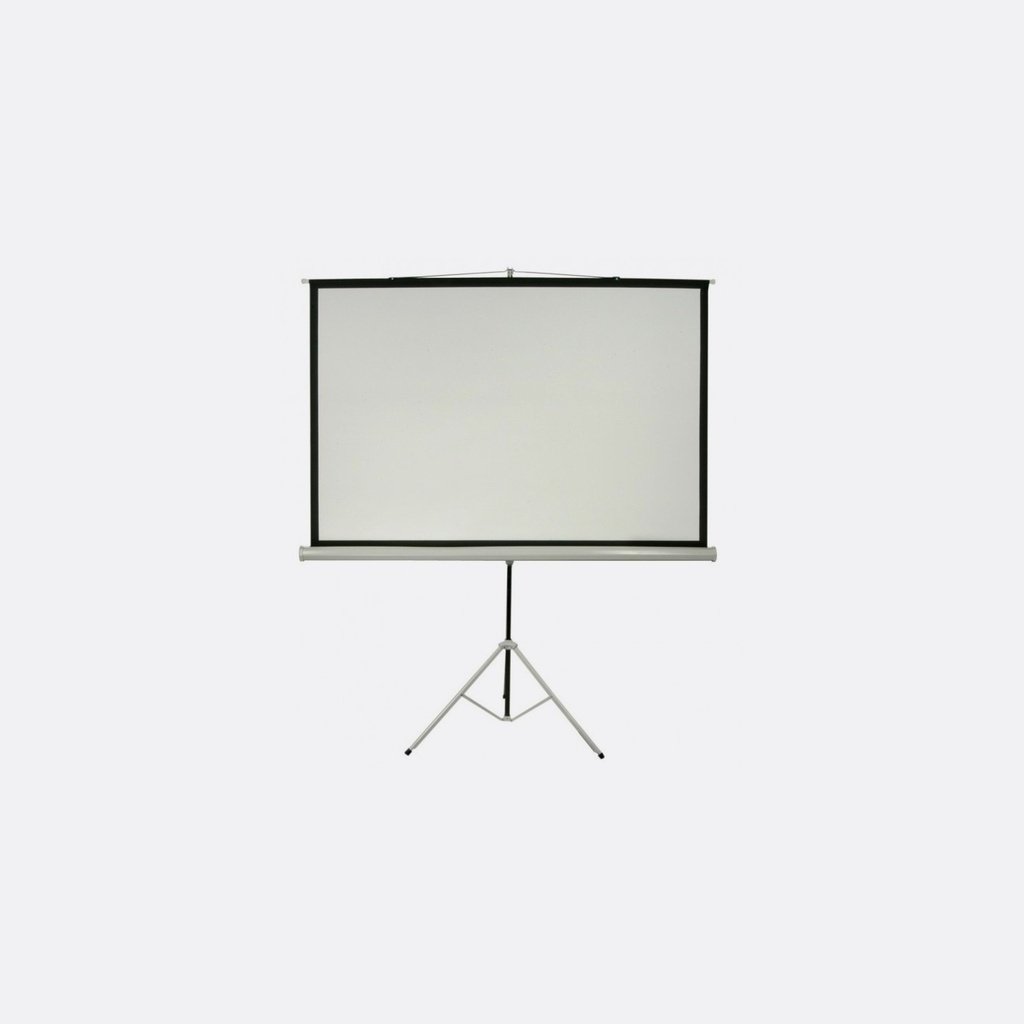
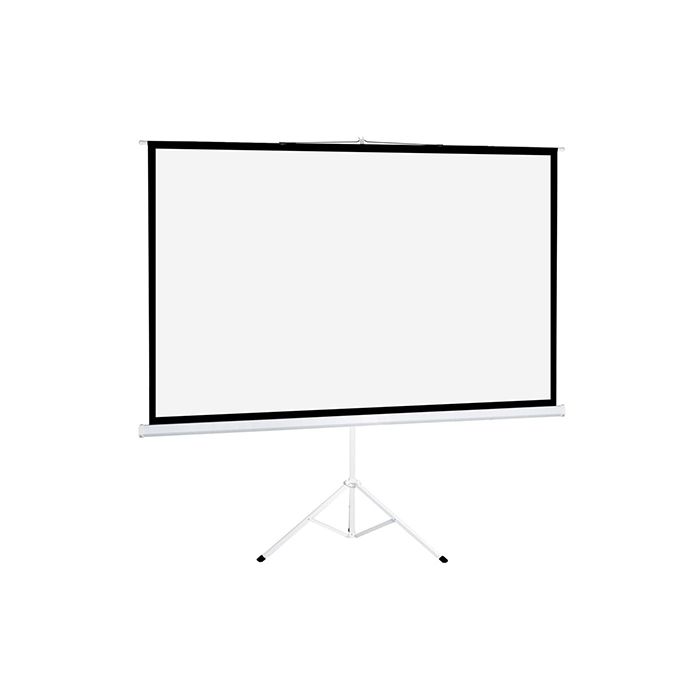
With the BYINTEK SKY X20, you can enjoy a large display in your home theater or office with projection sizes ranging from 30 inches to 120 inches. The projector is designed to be effective even when placed a short distance from the screen or wall, making it easy to set up in various room sizes. Whether you're projecting on a wall, screen, or even a blank surface, the projector adjusts to deliver sharp, clear visuals across different screen sizes.
Software and Updates
Running on Android 9.0, the BYINTEK SKY X20 ensures that you get a smooth and intuitive user experience. You can easily navigate through apps and settings, download new apps from the Google Play Store, and enjoy access to an array of content directly from the projector. Additionally, the projector can receive software updates over the air, keeping it up-to-date with the latest features and improvements.