
.jpg&w=3840&q=75)
%2520Motorised%2520Projector%2520Screen%2520with%2520Remote%2520Control%25204-3%2520Screen%2520Ratio.jpg&w=3840&q=75)
.jpg&w=3840&q=75)
%2520.jpg&w=3840&q=75)
.jpg&w=3840&q=75)
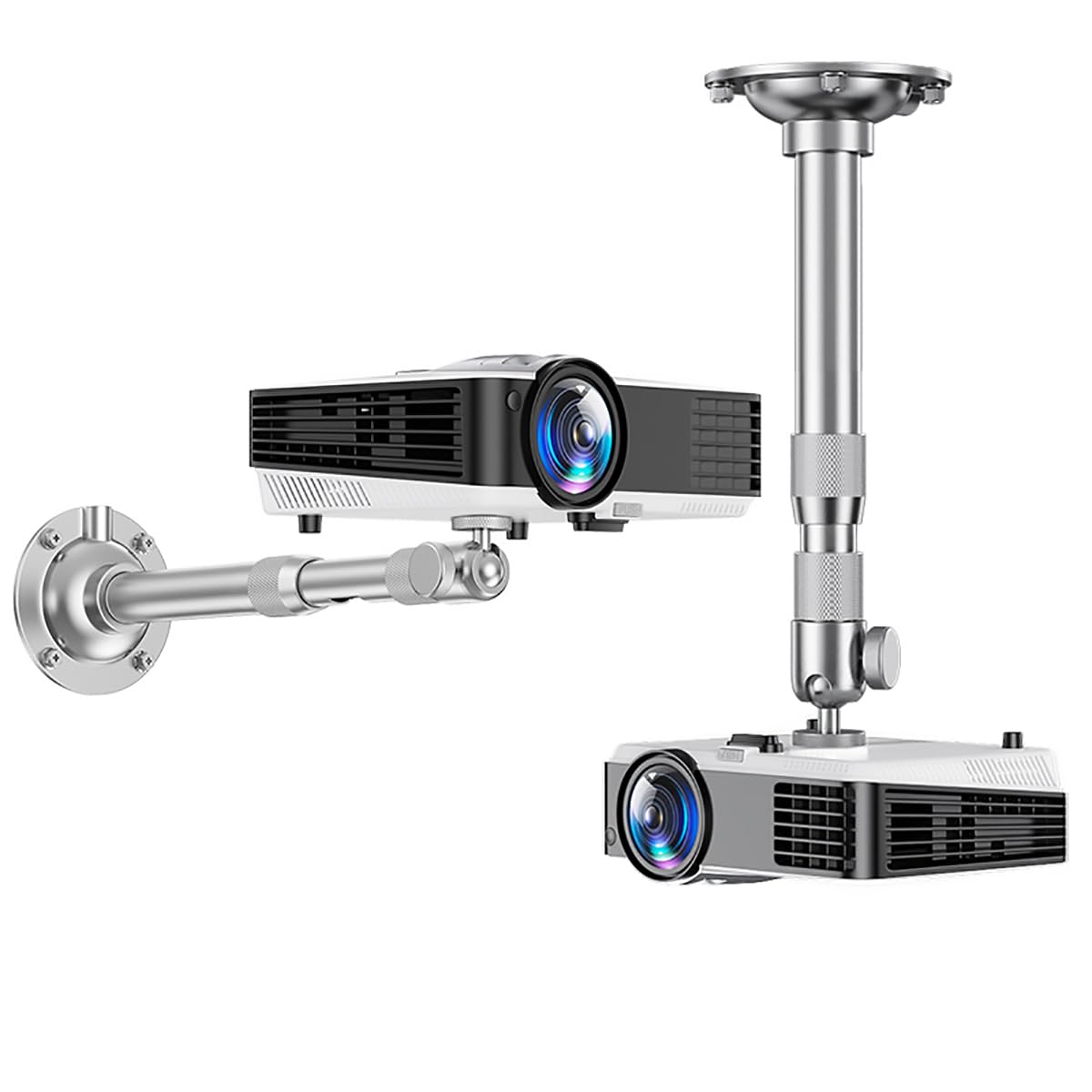
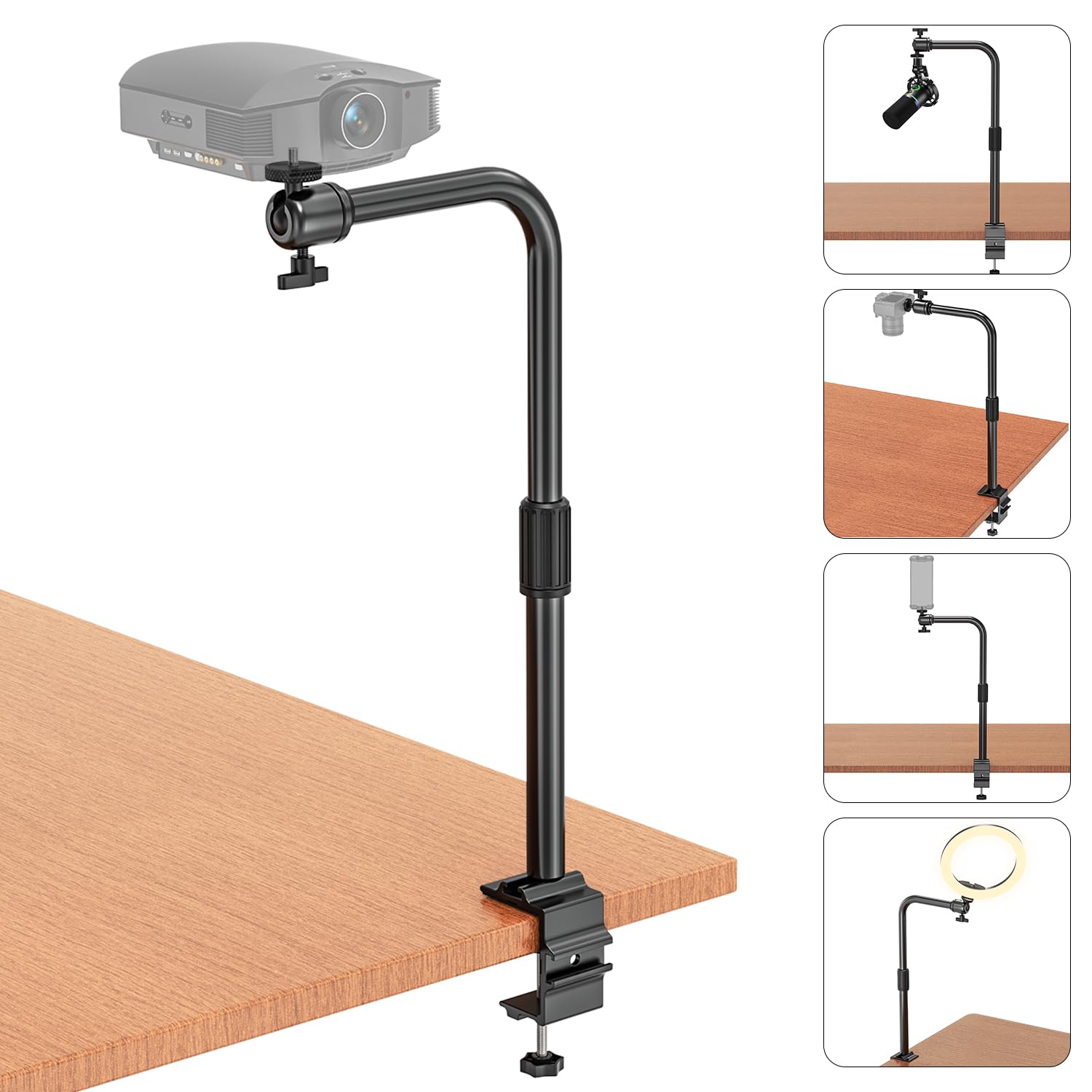
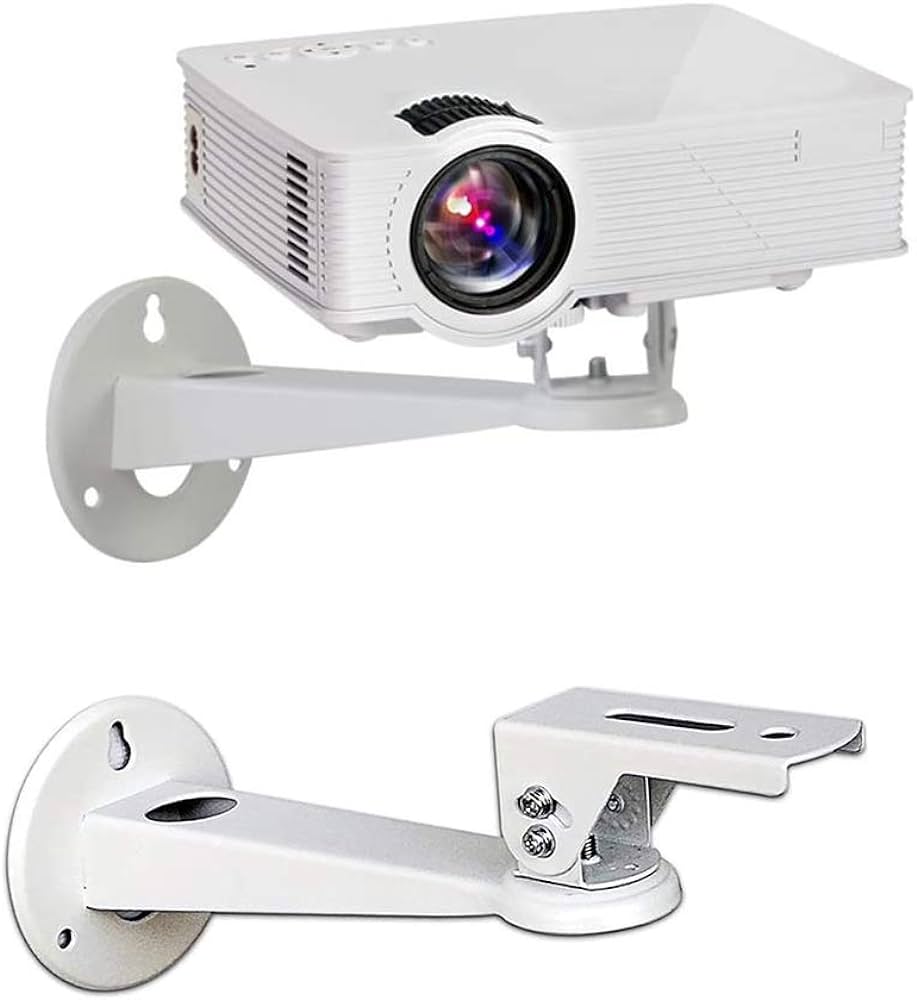
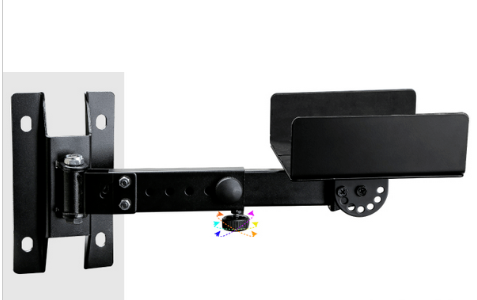

Product Overview
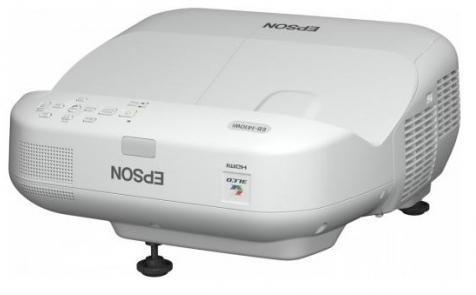
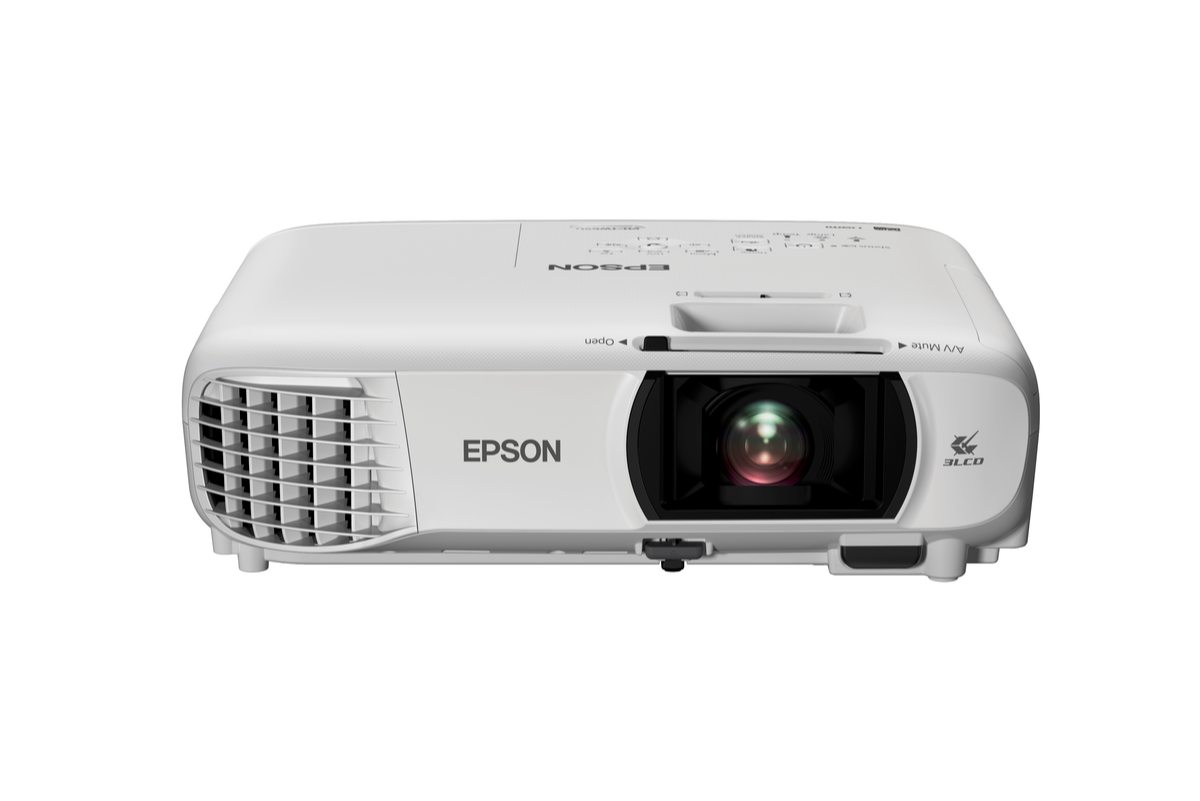
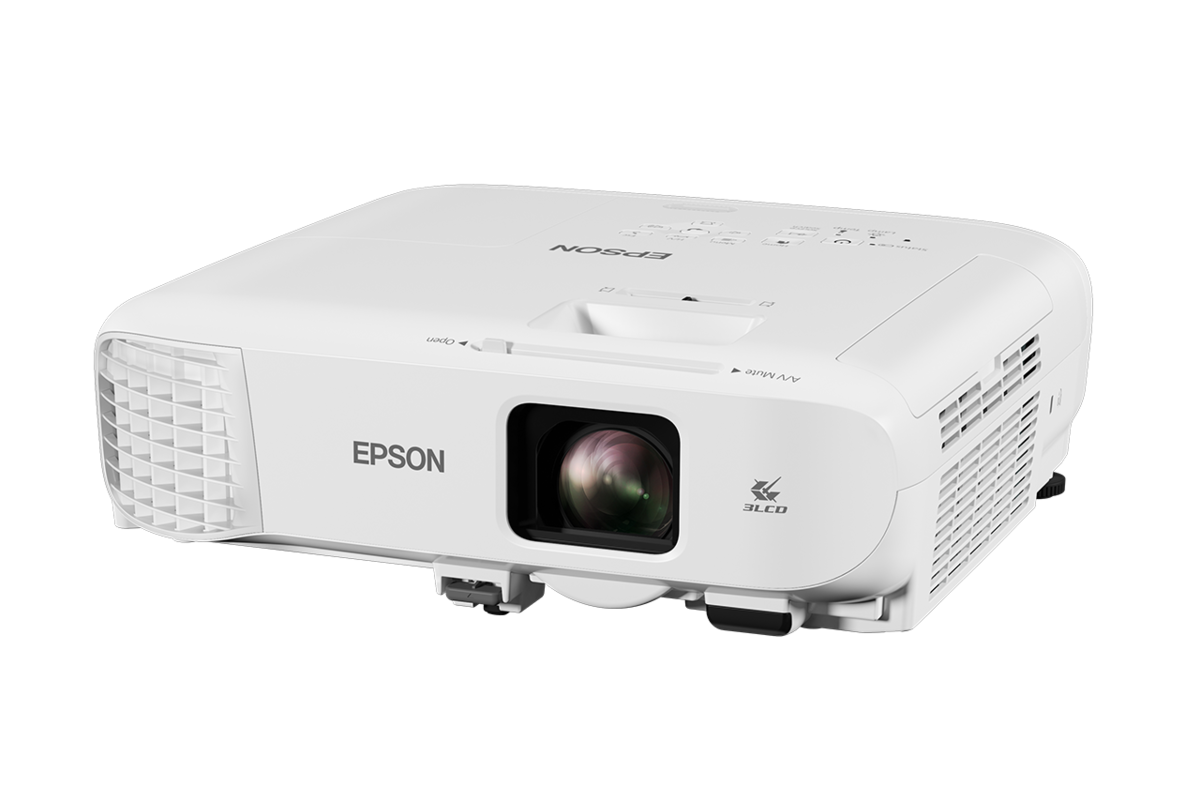
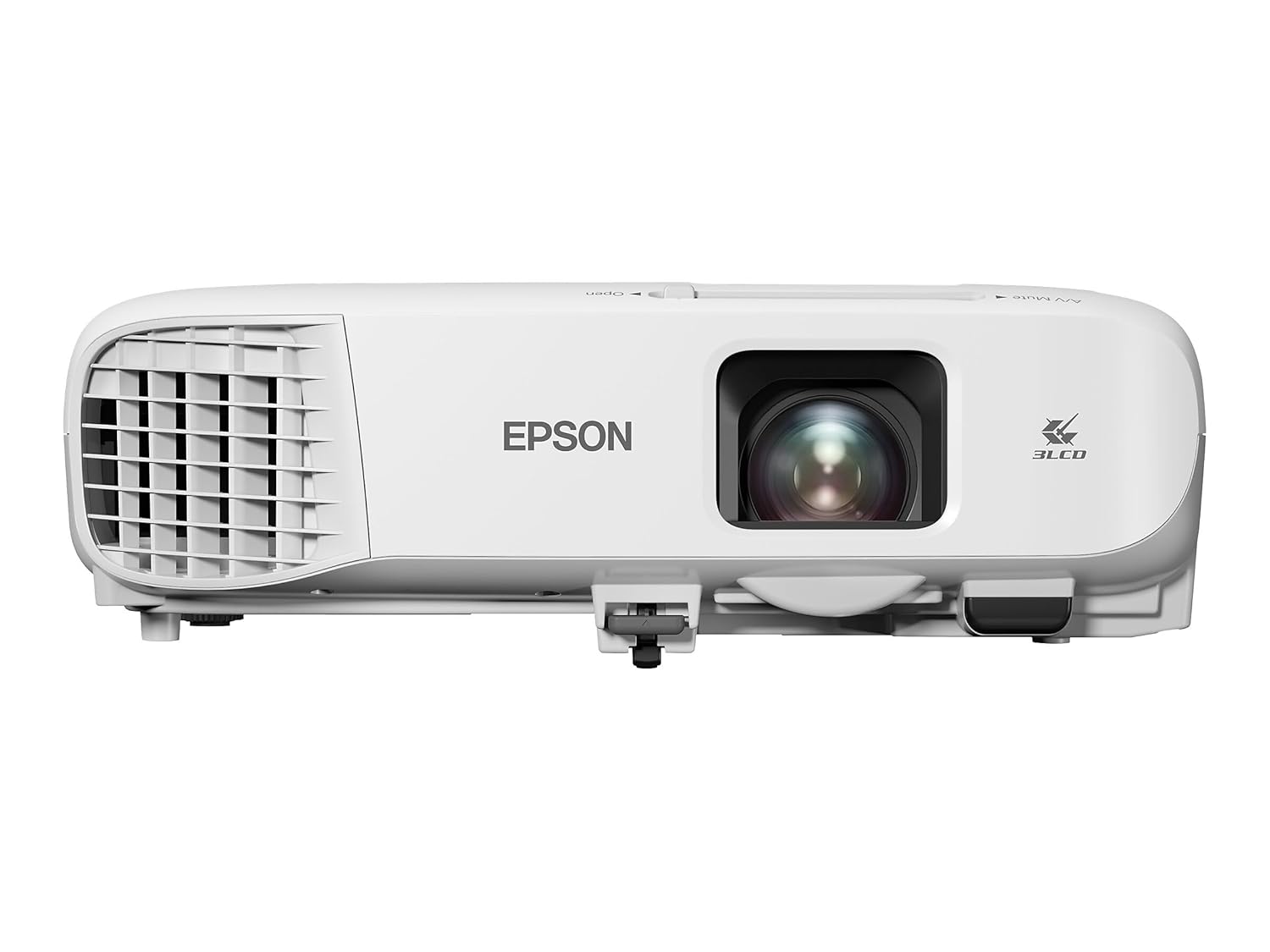
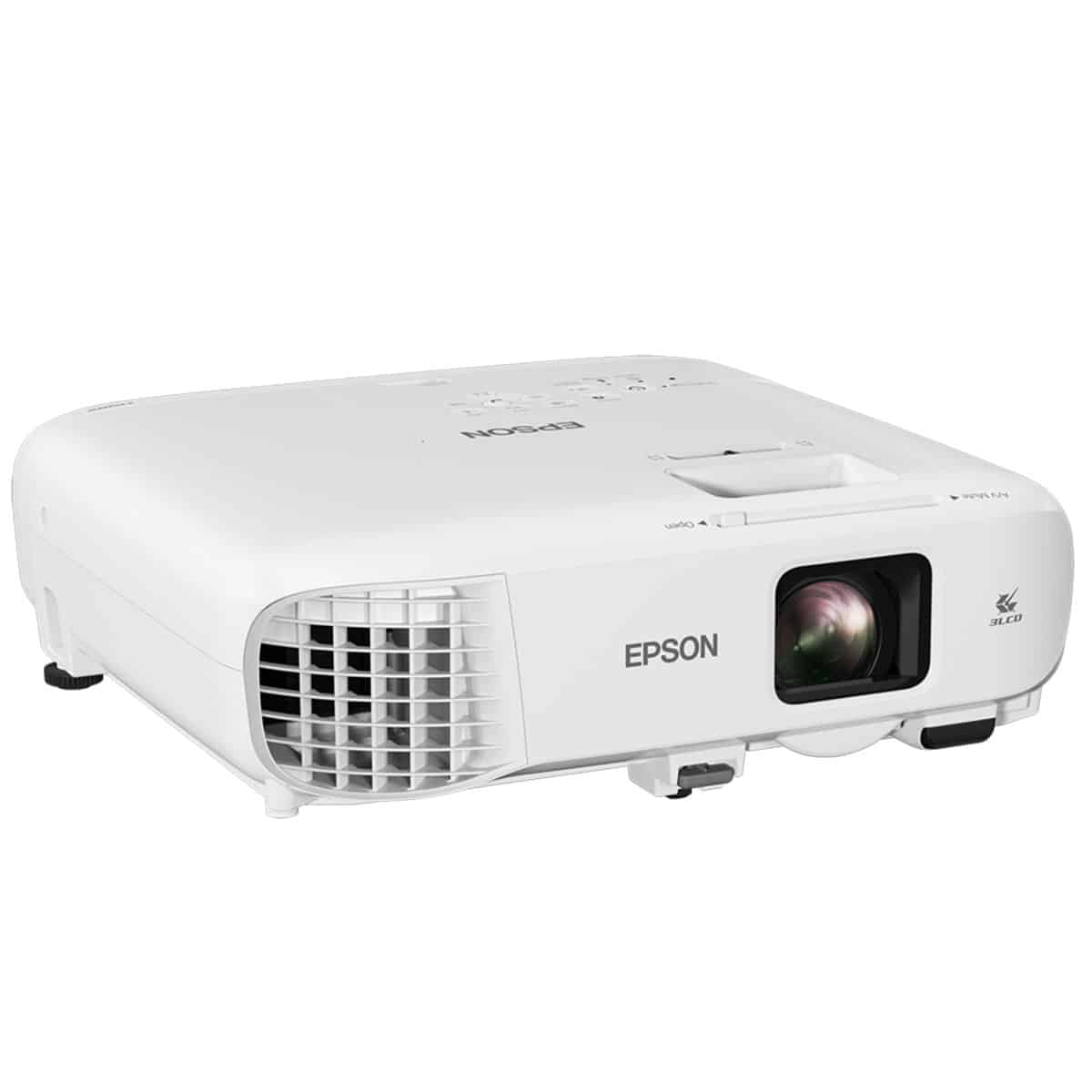
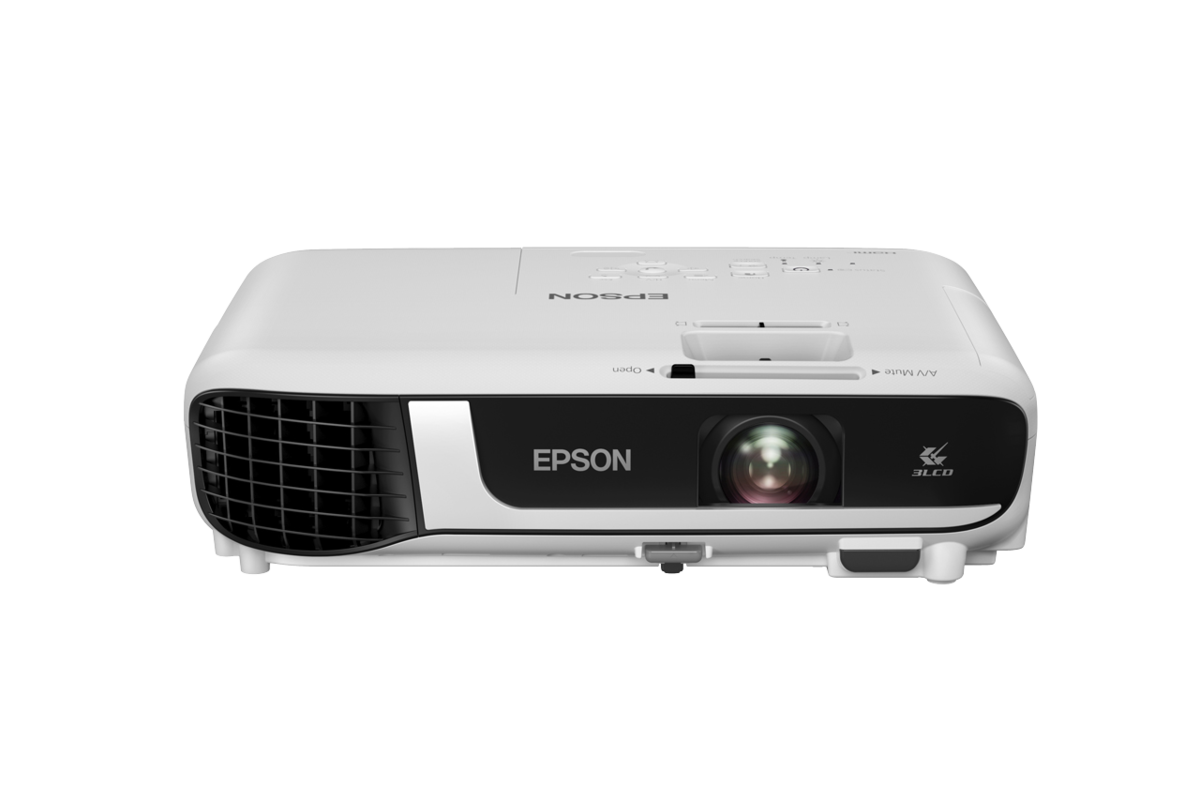
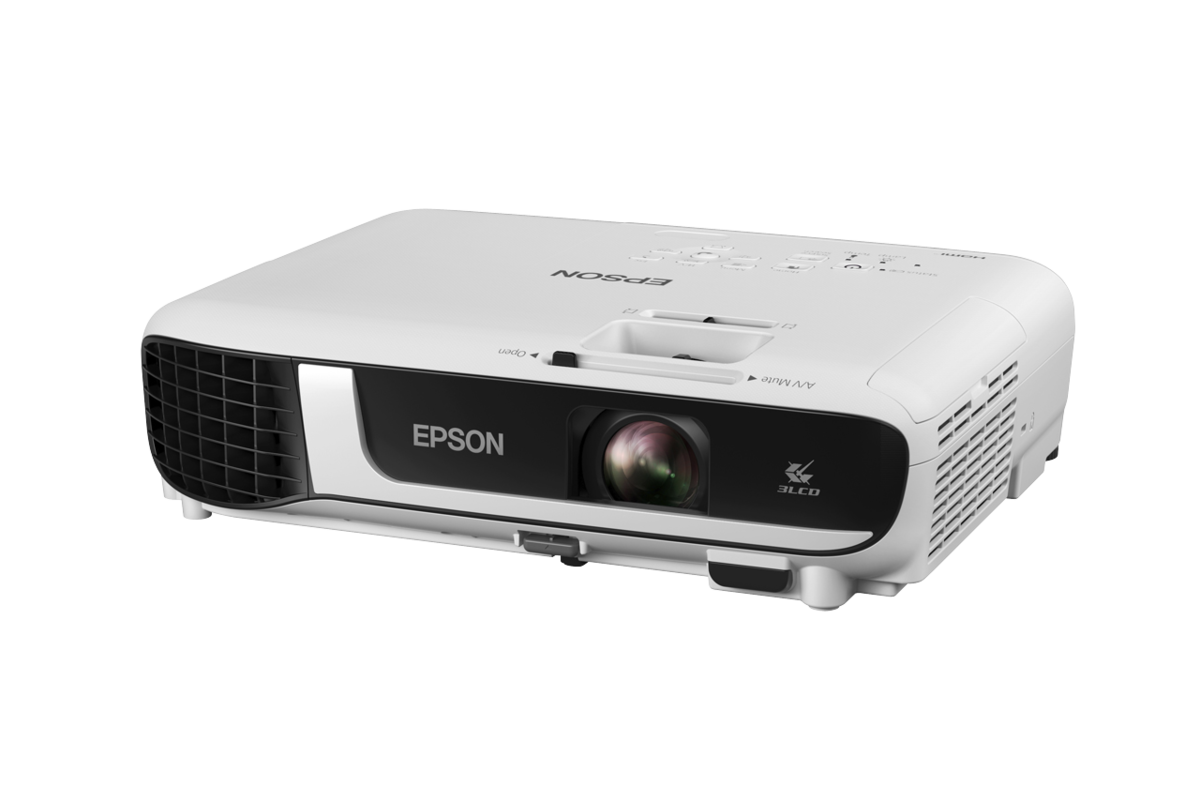
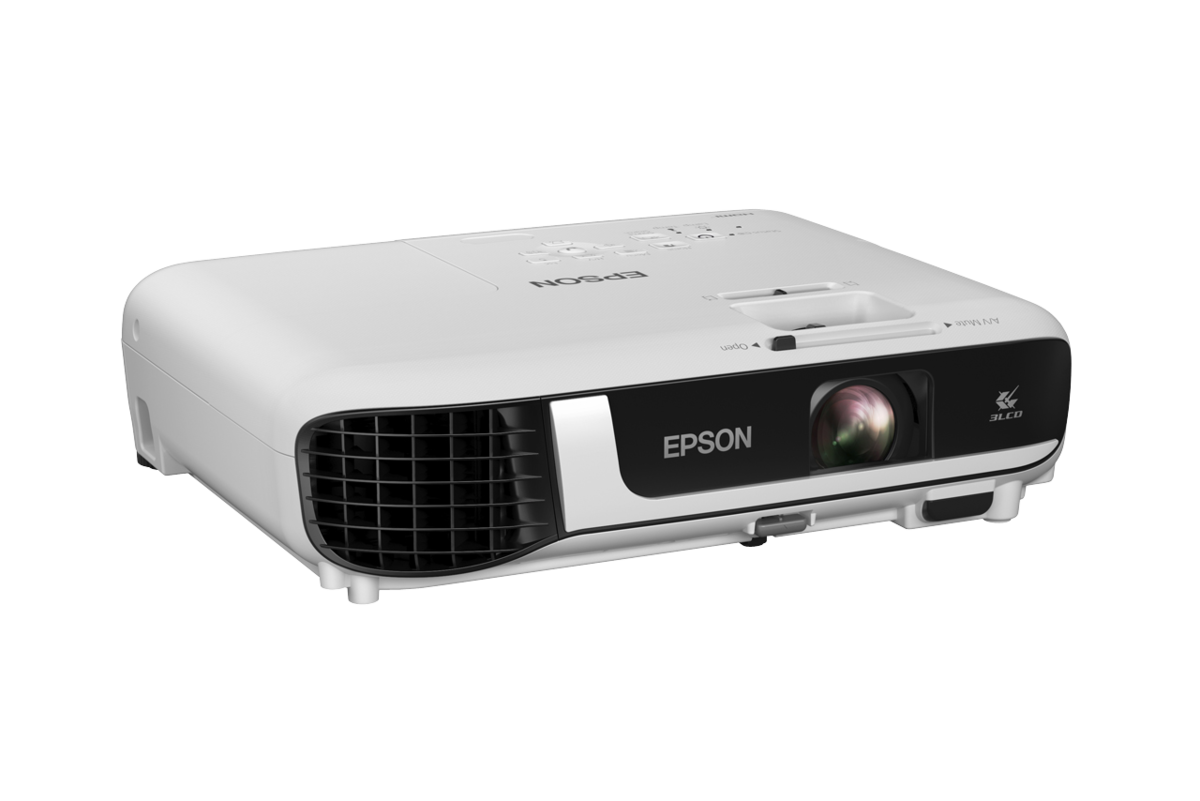
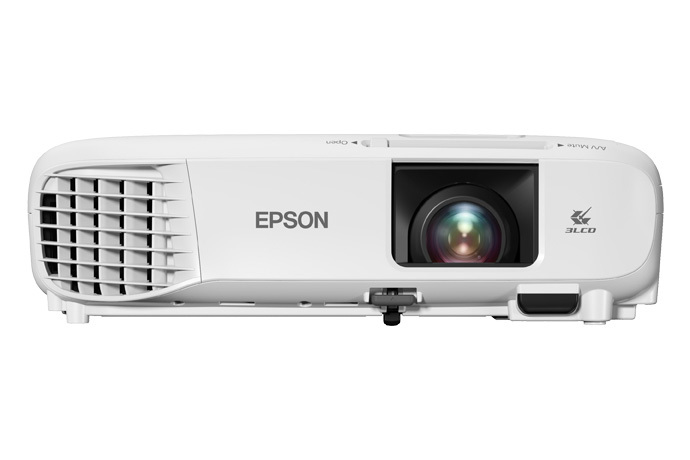
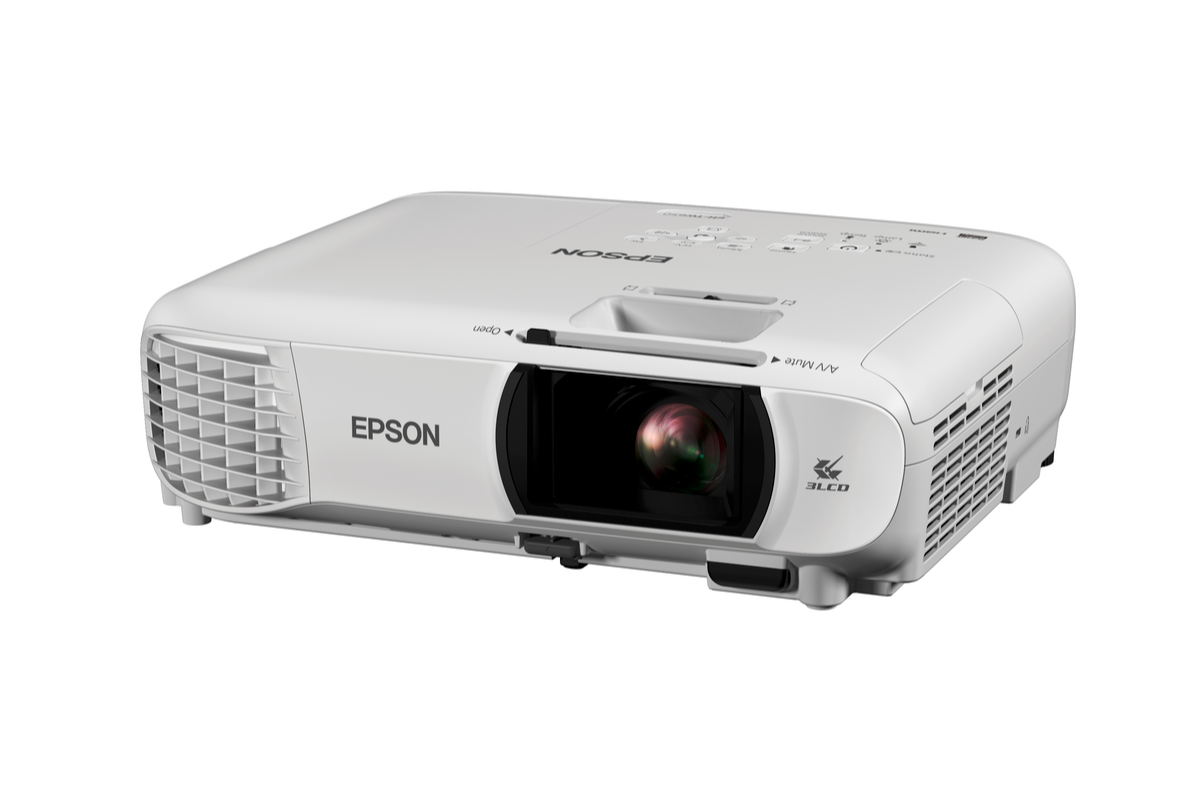
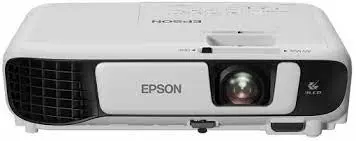
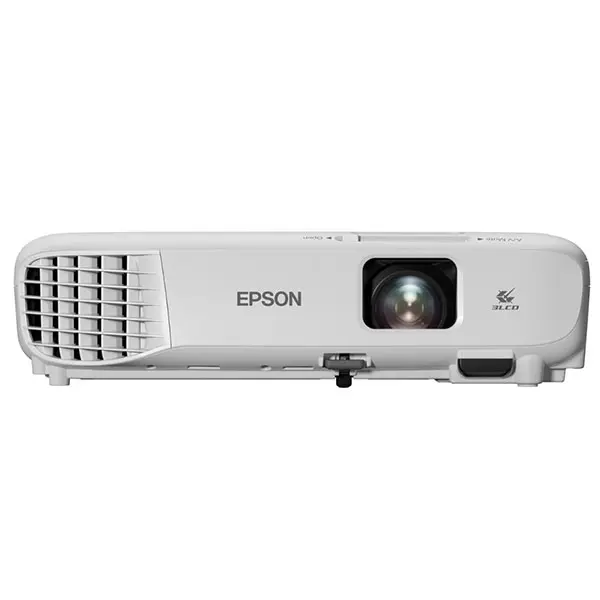
Presentations become effortless, with the sharp, stylish Epson EB-X39, which offers great performance in a remarkably versatile package. Long lamp life and trusted Epson durability offer peace of mind and minimal maintenance. Bright, vivid content on a large scalable screen. Enjoy large scale presentations with crisp, clear text, as well as compelling imagery and video content, on-screen sizes up to 300 inches. 3,500-lumen performance combines with a high contrast ratio of 15,000:1 to offer outstanding visual performance, even in well-lit rooms.
Years Of Uninterrupted Meetings
With a lamp life and air filter maintenance cycle of 12,000 hours in eco mode, users won't need to worry about maintenance for more than 5 years. Installation and placement flexibility, Automatic vertical and manual horizontal keystone correction provide greater flexibility as to where the projector can be placed in the room for distortion-free images and the wide optical zoom adds to the flexibility.
Network and Wi-Fi capability
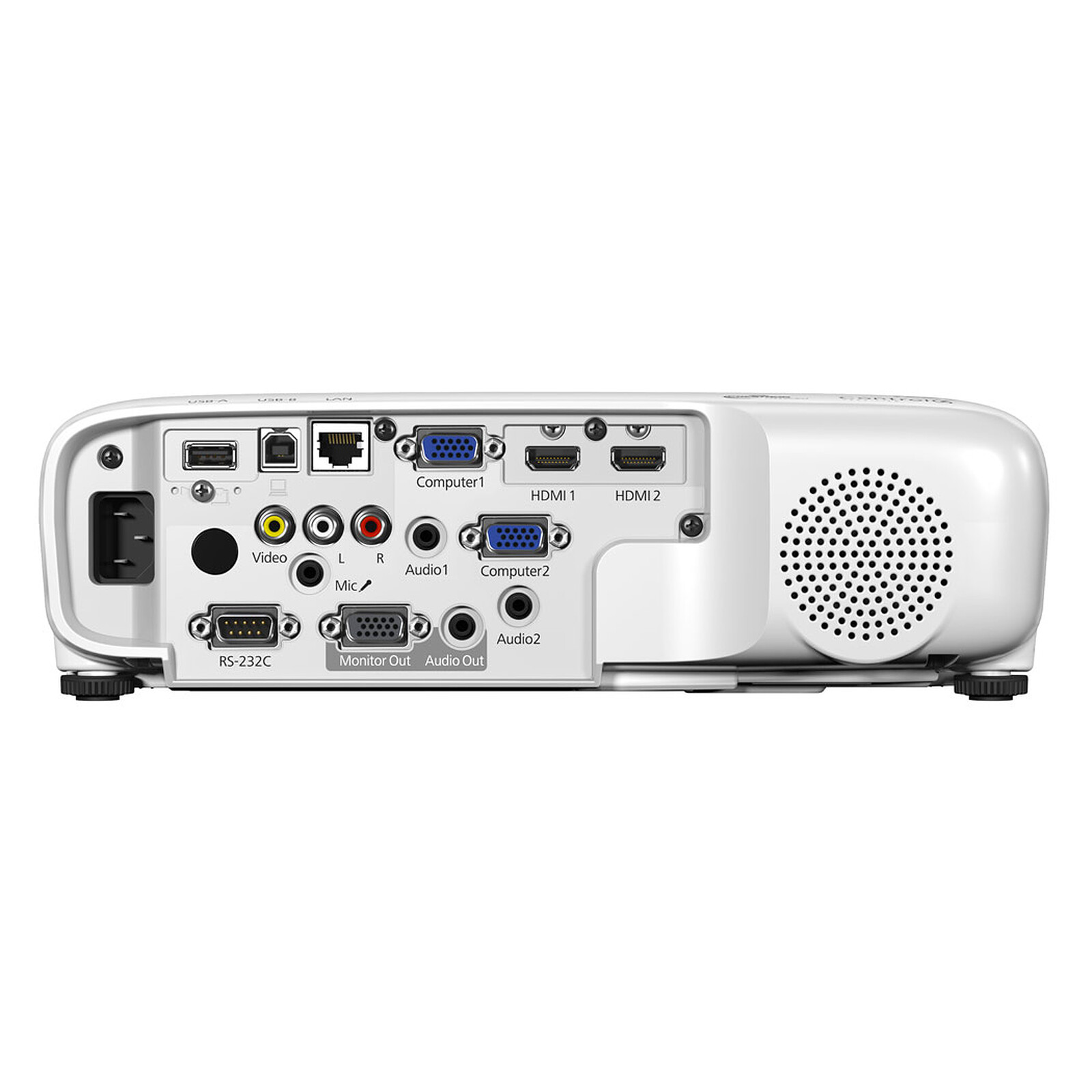
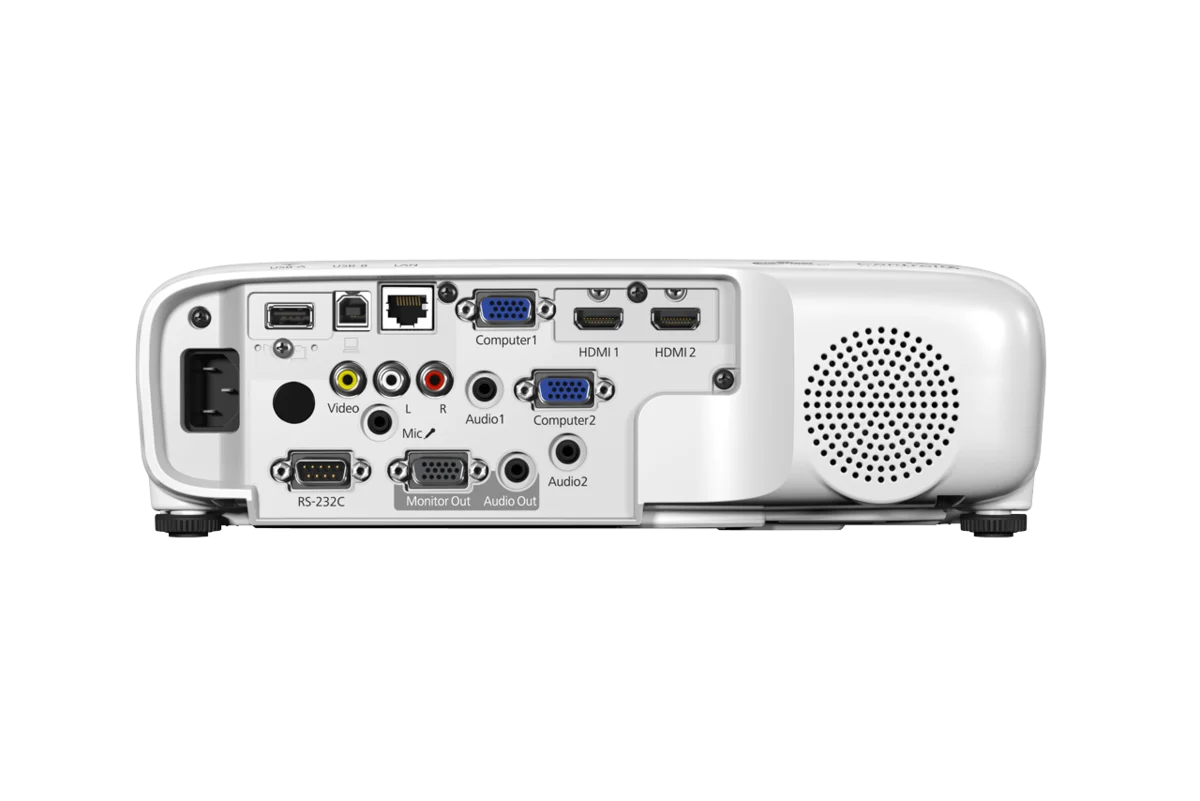
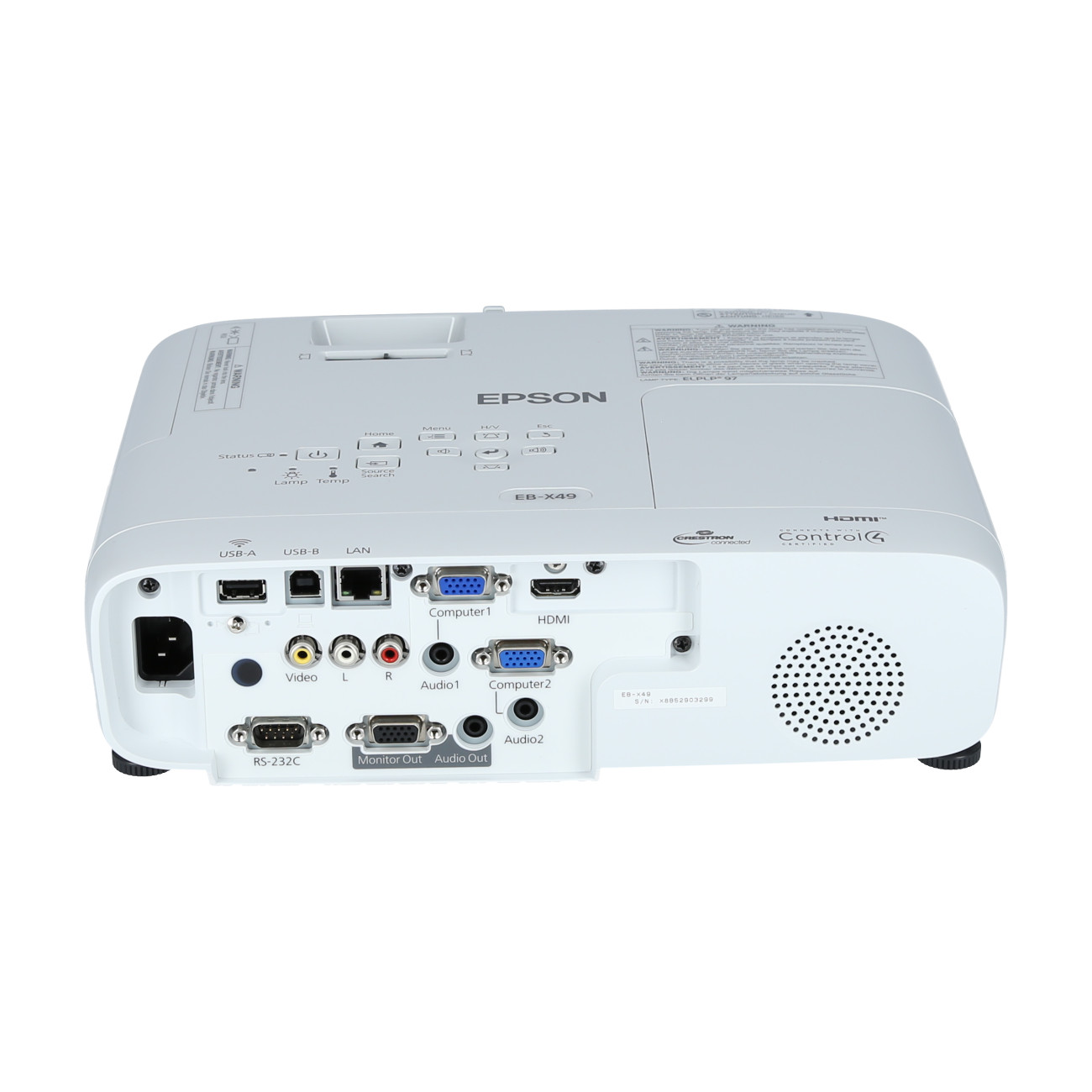
Wi-Fi compatibility and network capability (via RJ45) mean the Epson EB-X39 can be added to a company network or upgraded for wireless device access at a later stage (optional accessory required). High-quality sound, This projector has a built-in 5W speaker to allow audio content to be heard clearly, without the need for additional external speakers.
All-in-one Essential
Multi-PC Projection. With the control of a host PC, up to 50 terminals can be connected via the multi-PC projection from a single projector. The host PC acts as a moderator, selecting media from up to four terminals to be projected simultaneously. With the moderator function, you can maintain control and prevent tampering with what’s projected on screen.
Wireless Transmission
Enjoy enhanced connectivity and flexibility with Wi-Fi connectivity. Easily share and transmit images, text and files from your smart devices using the “Epson iProjection†application for smooth and smart projections. And with an additional attachment piece holding the wireless LAN adaptor in place, your transmissions will never be interrupted. The Epson iProjection application enables a wireless connection for projecting images and files from your smart devices. The new “QR Code Reader†function makes this wireless connection even easier by simply reading the QR code that is projected on the screen from your smart devices. In iProjection, projector profile search, multi-screen display, distribution function, audio transfer, movie file transfer, interrupt connection disabling and encryption data transfer capabilities are not supported.
High Contrast Ratio
Add brilliance to your presentations. Boasting stunning brightness of up to 3,500 lumens and a high contrast ratio of 15000:1, these projectors enable you to project beautiful, well-defined images wherever you are, regardless of ambient light.
Horizontal Keystone Adjuster
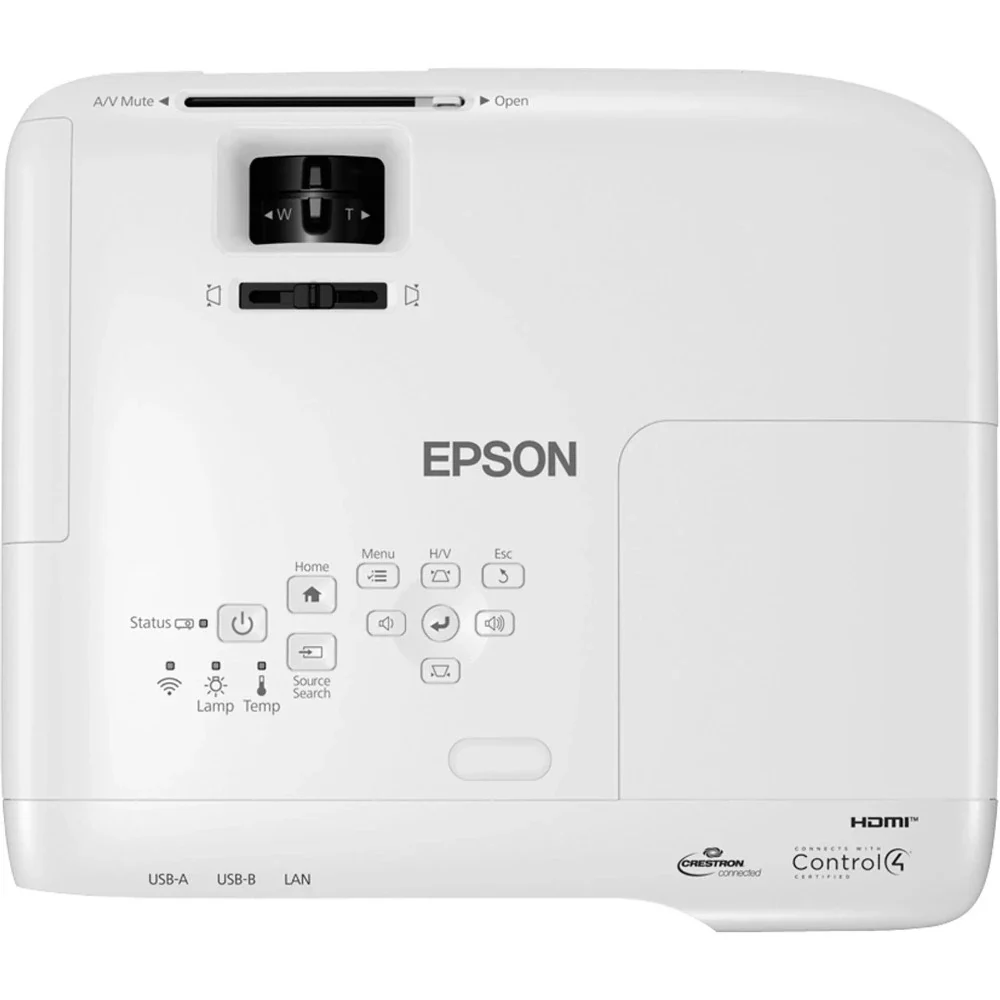
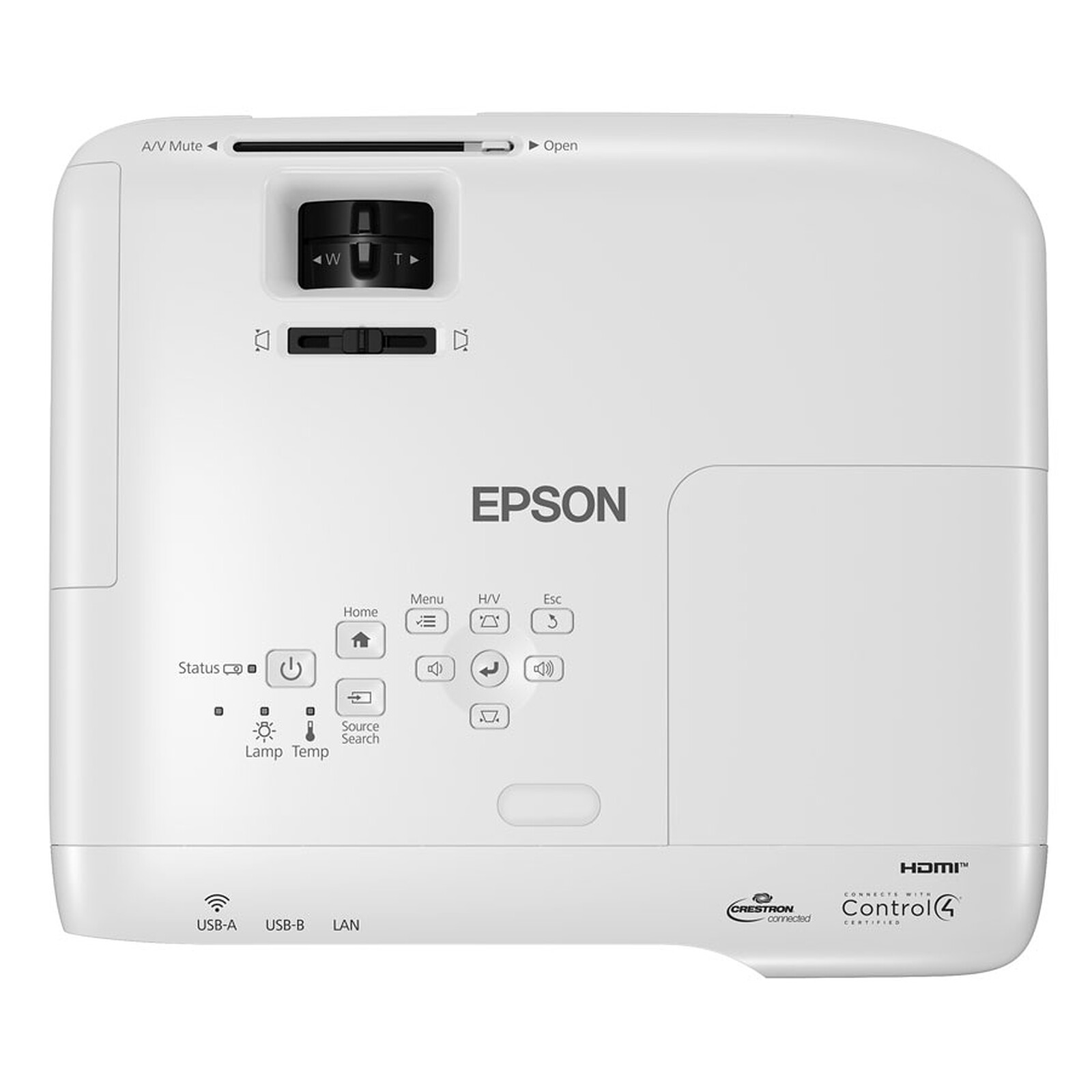
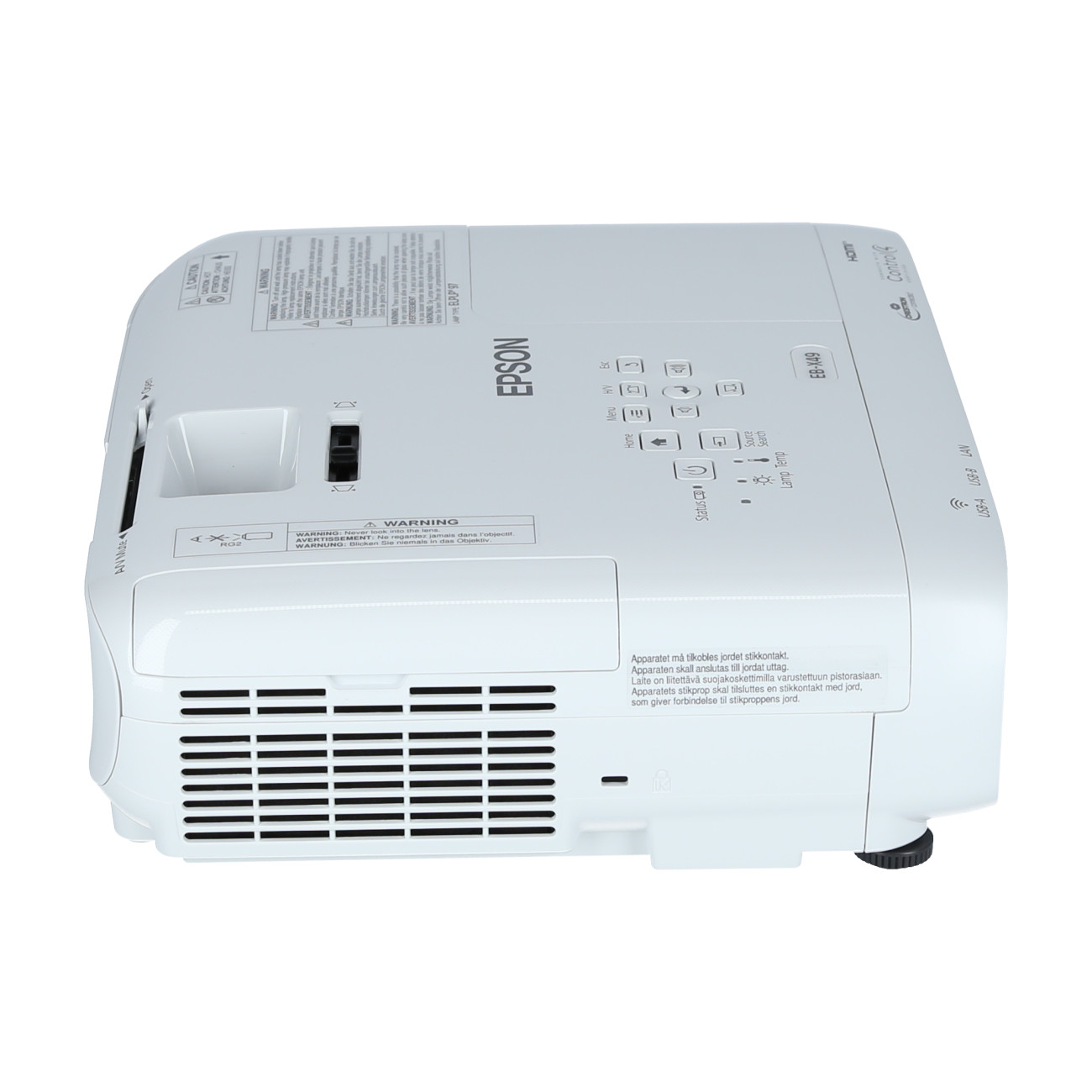
Deliver powerful presentations anywhere in the room. With the easy-to-use sliding Horizontal Keystone Adjuster, screen corrections can be done quickly, easily and accurately, even in a limited space. With automatic vertical keystone detection and adjustment, there is no longer any need for awkward and time-consuming manual image adjustments that interrupt the smooth flow of your presentation delivery. This handy feature automatically detects the projector’s vertical keystone distortion and corrects it instantly.
Quick Corner
With the quick corner feature, you can use the keystone correction and lens shift function simultaneously for maximum projection without having to worry about unintentionally changing the aspect ratio.
Enjoy Split Screen
Display images from two different sources side by side on the same screen for a more effective presentation. In video conferences, for example, images of presentation materials and remote participants can be shown simultaneously. What’s more with Digital x Digital compatibility, you’ll enjoy sharper, more vibrant projections.
Redirected Exhaust
The front-facing exhaust is intelligently positioned to prevent anyone from being exposed to the hot exhaust, especially when on a narrow table. This allows the audience to fully concentrate on the presentation, even if they are seated beside or behind the projector.
Epson Projector Management
With Epson’s network monitoring and control software, you can see from a single PC which projectors are available and whether they are running efficiently – even across the biggest networks. You can configure your projectors and access their serial numbers remotely, as well as receive instant email alerts for pre-defined critical indicators such as non-functioning devices or overheating lamps. Each projector’s serial number can also be accessed remotely via LAN/serial connection.
Easy-to-replace Lamps
With the lamp cap located on the upper side of the projector, you can change lamps easily even if the projector is installed on the ceiling. Lamps can be replaced quickly without tools and dismounting of the projector from the ceiling mount.
Auto Power On
With the auto power on function, projection starts automatically once a projection signal is detected via VGA cable, providing you with an easy and hassle-free presentation.
Firmware Updates
Easily update your projector’s firmware without having to take it to a service center. To update, simply insert a USB memory stick with the necessary software. Updates can be done over LAN network or via a USB-B connection.
General Features
- High-quality bright images: 3LCD technology and equally high White and colour light output
- Portable: Small and light enough to be carried and used across several rooms
- Wide connectivity options: Network-enabled and Wi-Fi capable (optional accessory required)
- Low TCO: Lamp and filter life of 12, 000 hours in eco mode
- Versatile and flexible control: Project from many sources with HDMI and optional Wi-Fi connectivity