Product Overview
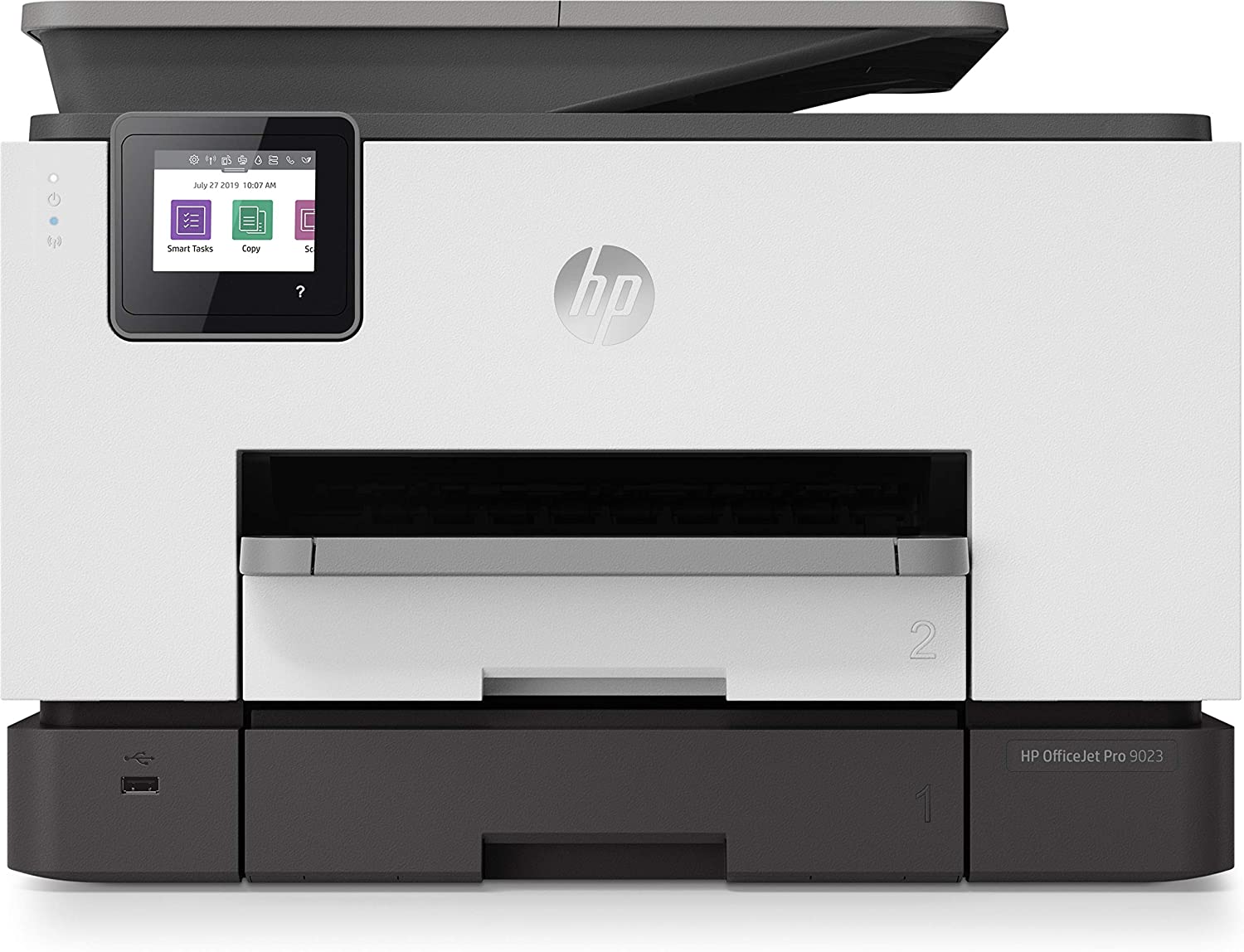
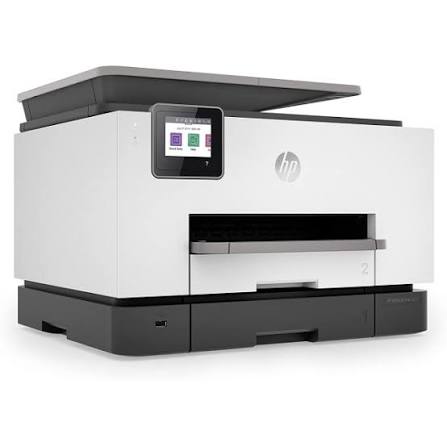
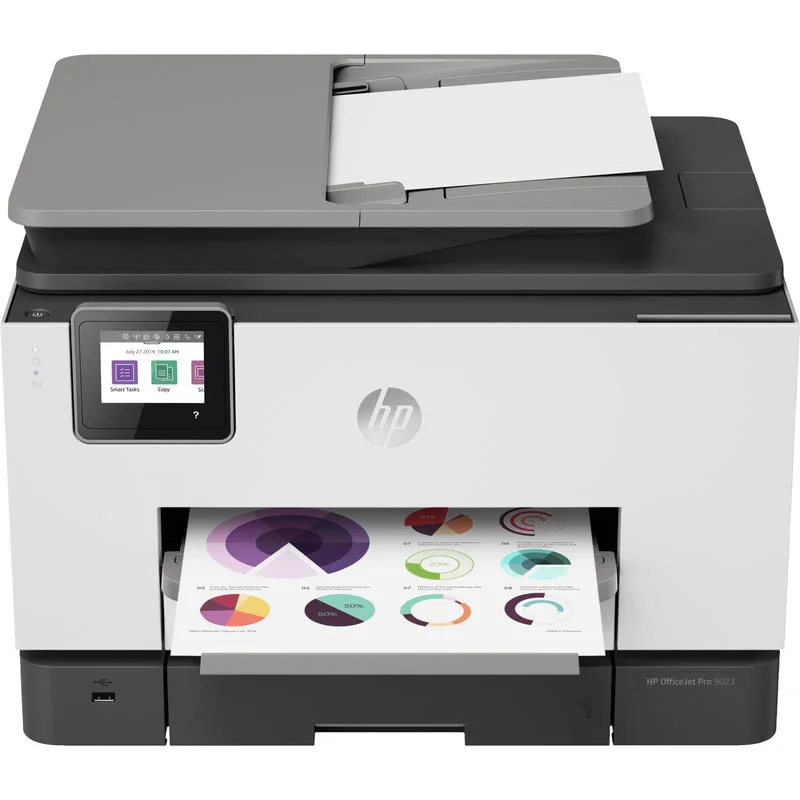
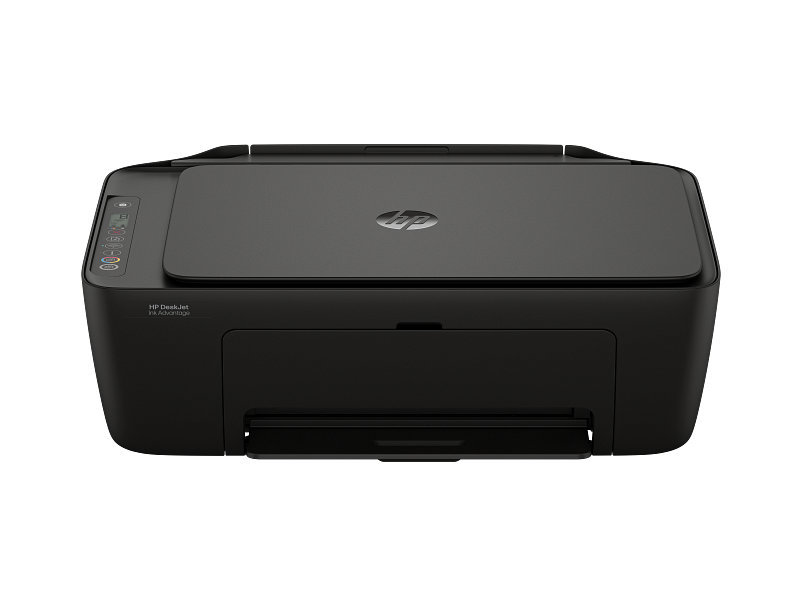
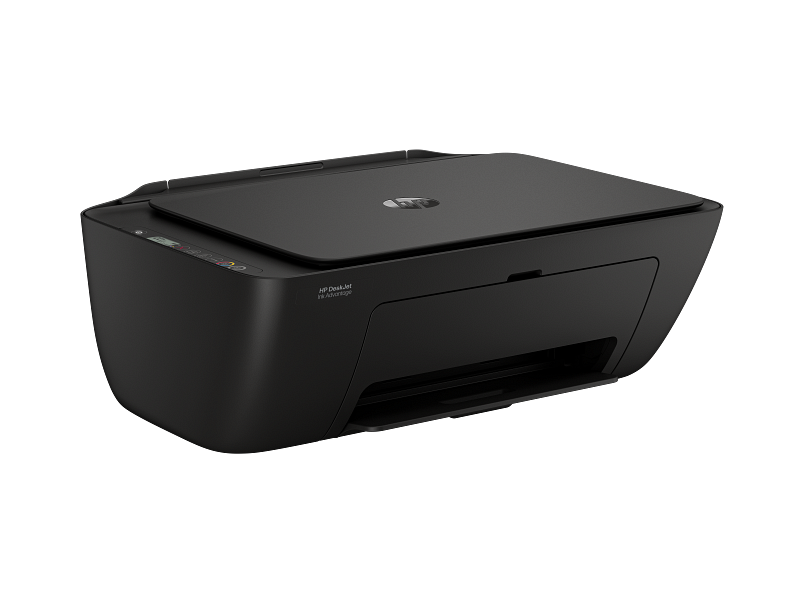
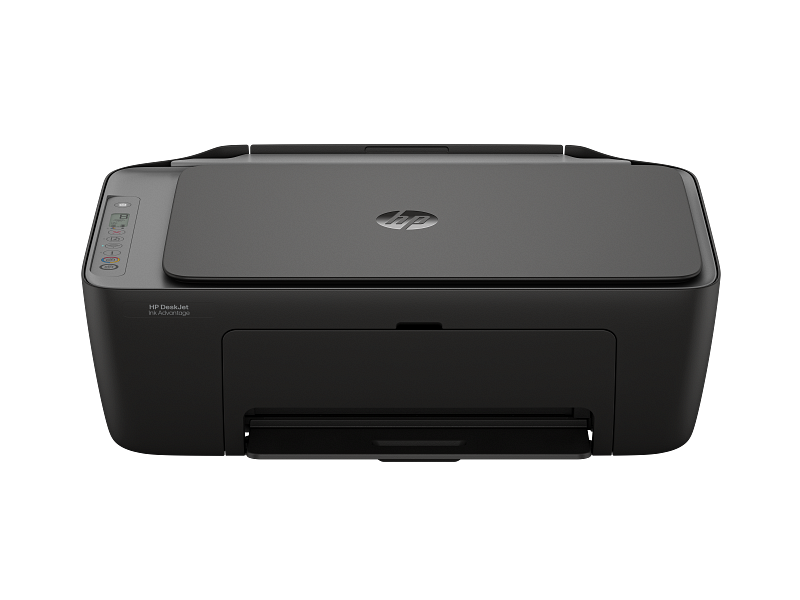
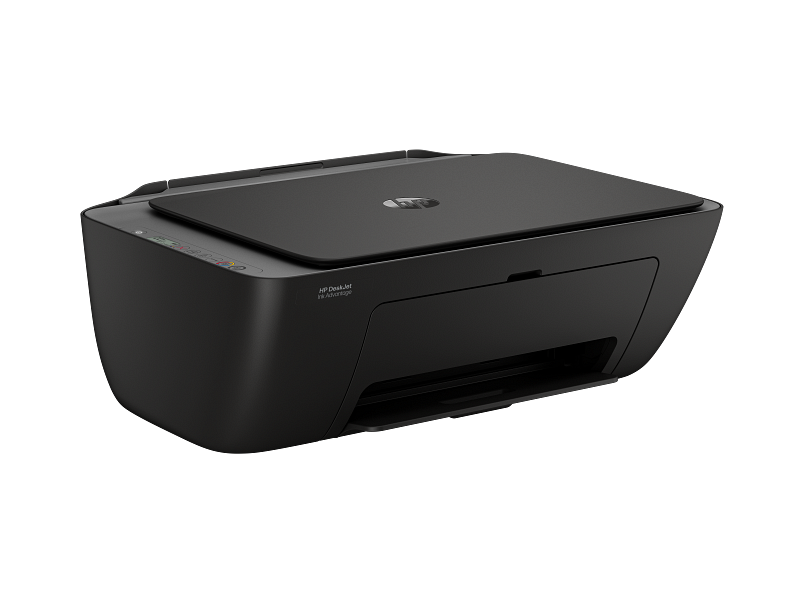
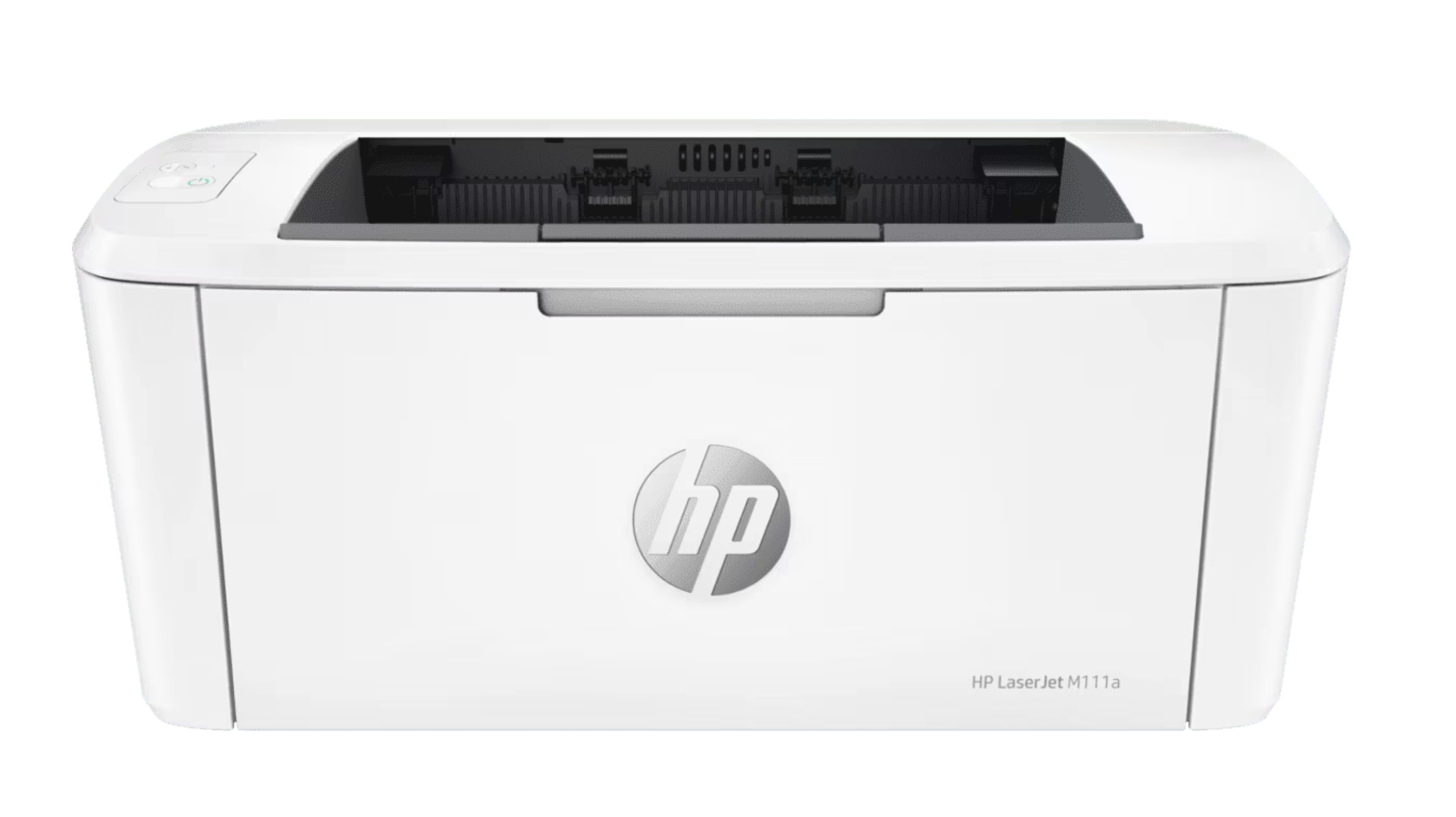
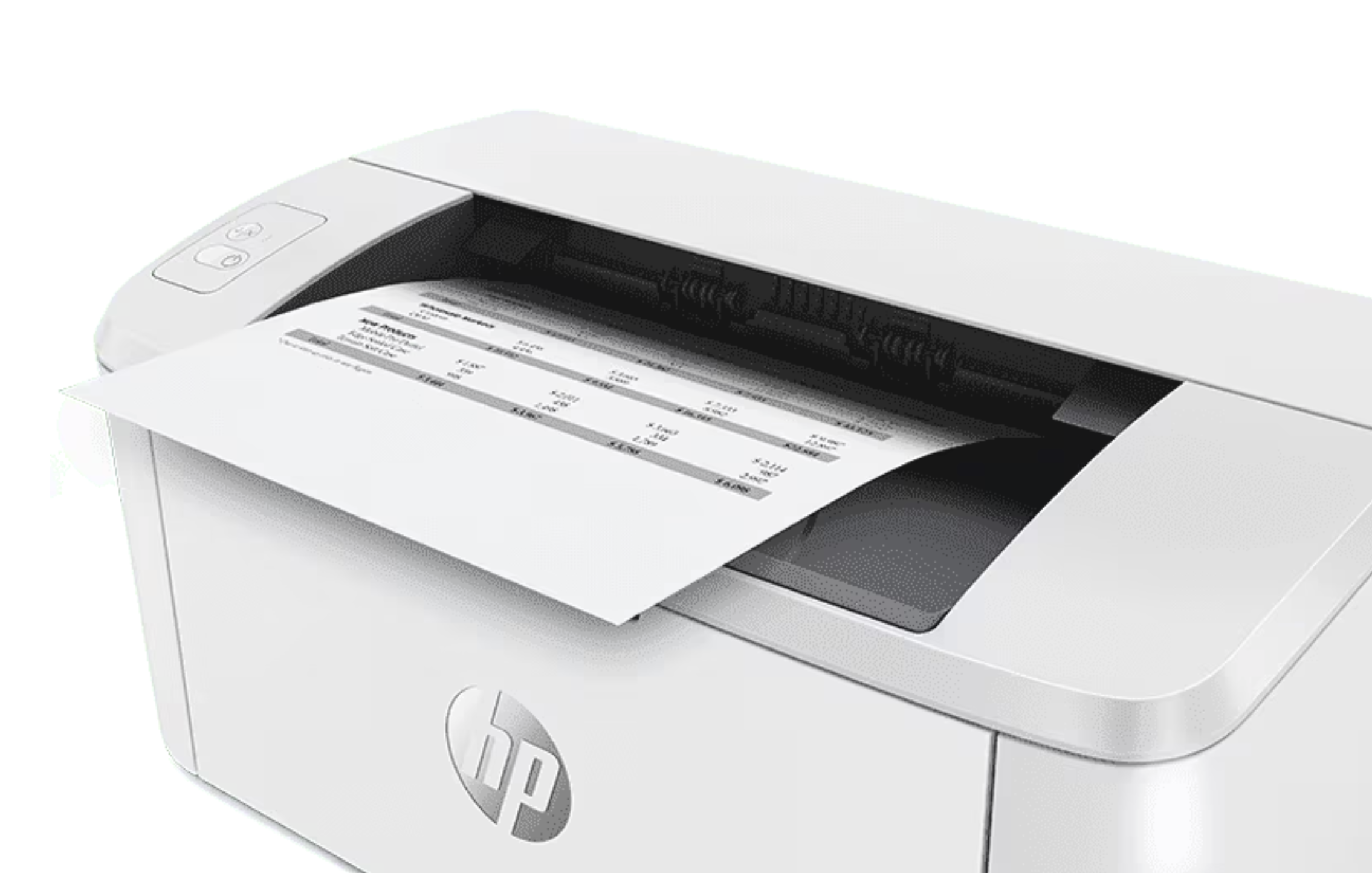
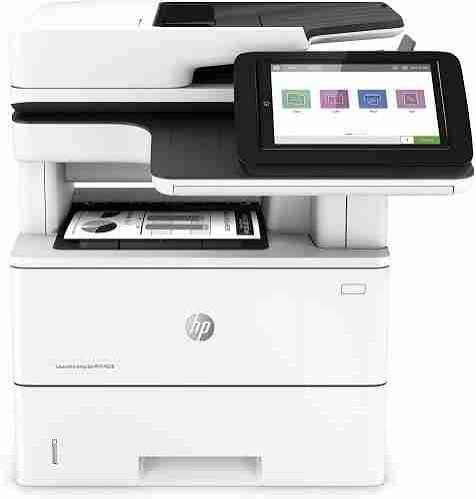
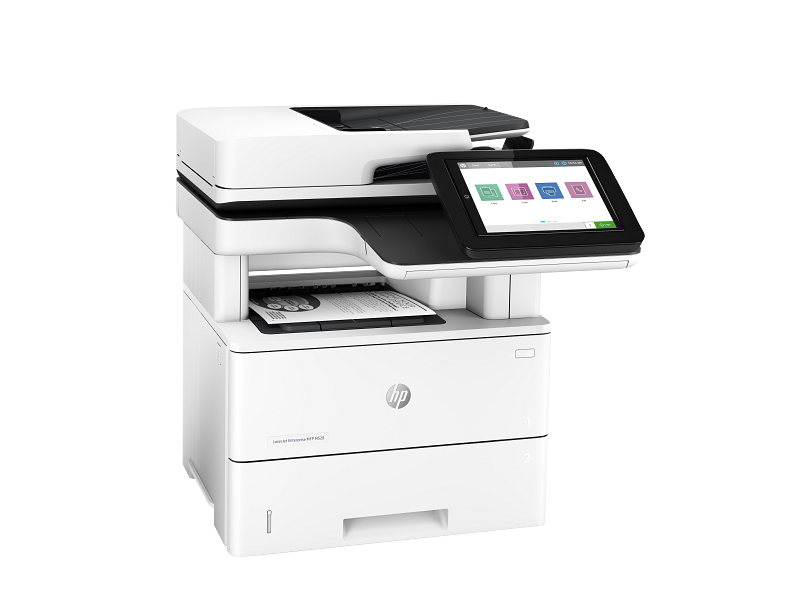
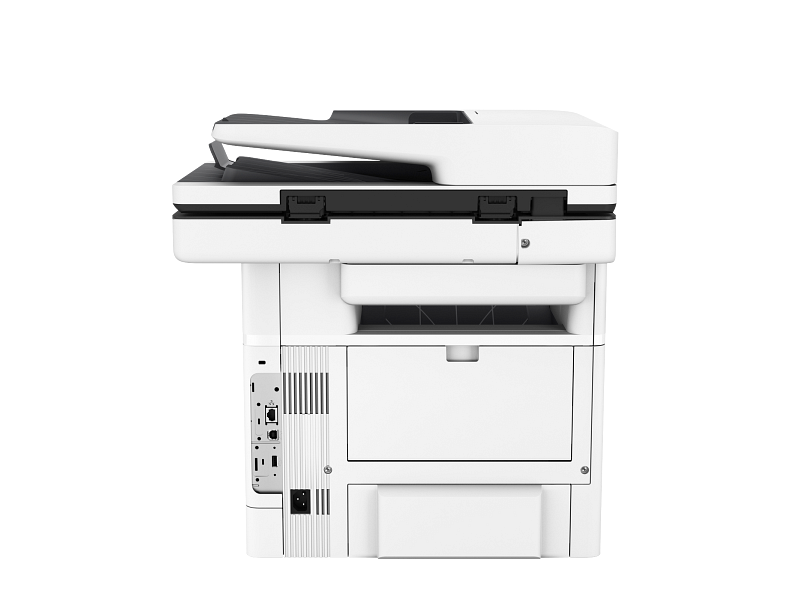
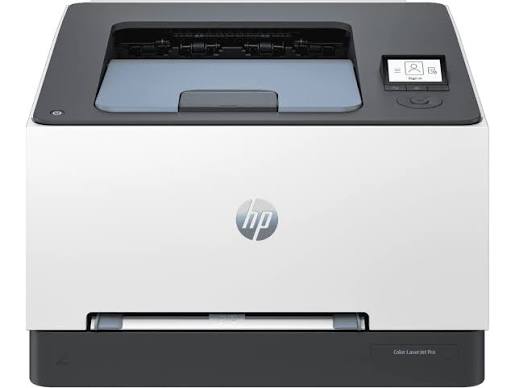
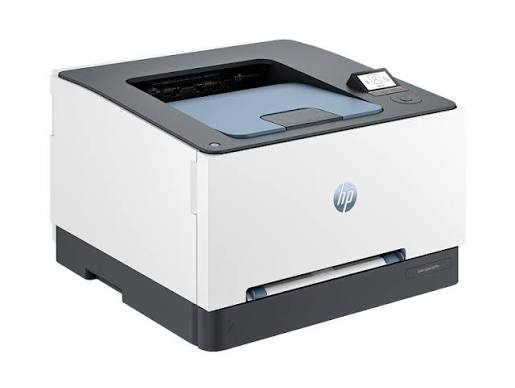
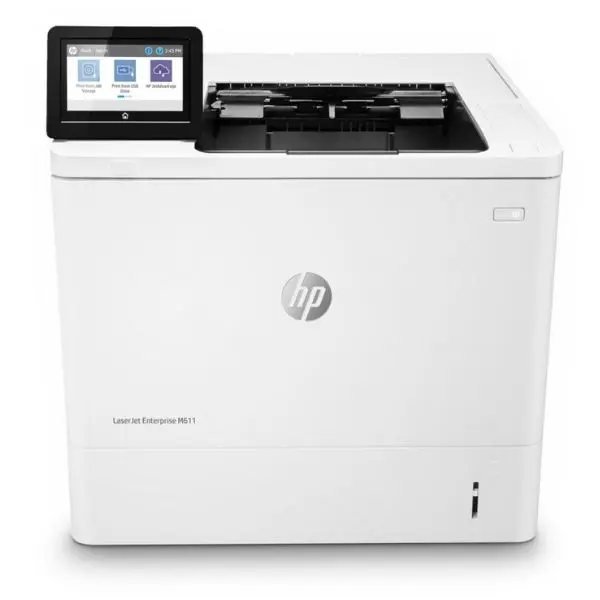
The HP LaserJet Enterprise M611dn A4 Duplex Printer is a high-performance printing solution built to cater to the needs of large offices and busy workgroups. Designed for fast, high-quality printing, the M611dn ensures that your office can meet tight deadlines with ease. Its impressive print speed of up to 65 pages per minute (ppm) makes it ideal for high-volume printing environments where efficiency is a priority. With advanced features such as automatic duplex printing for double-sided documents, enterprise-grade security, and robust paper handling capabilities, this printer not only saves time and resources but also integrates seamlessly into your existing IT infrastructure. The printer's ability to produce sharp, clear prints coupled with its energy-efficient design makes it a highly reliable choice for any organization looking to improve workflow while cutting operational costs. The HP LaserJet Enterprise M611dn is built for businesses that need performance, security, and sustainability all in one machine.
High-Speed Printing
The HP LaserJet Enterprise M611dn is designed to handle demanding printing tasks with incredible speed. Printing at a rapid 65 pages per minute (ppm), it ensures that your office stays productive and efficient, even during peak printing times. Whether it's a stack of marketing materials, internal reports, or large-volume print jobs, this printer delivers high-quality results without compromising on speed. The quick output helps reduce downtime, allowing your team to focus on other tasks and meet deadlines without delay. The robust design of the M611dn ensures it can manage these high-speed prints without sacrificing reliability, making it the perfect choice for offices that need both performance and consistency. With the ability to produce documents rapidly, this printer is ideal for any busy office environment where time is a premium resource.
Automatic Duplex Printing
One of the standout features of the HP LaserJet M611dn is its automatic duplex printing, allowing you to print on both sides of the paper without the need for manual intervention. This functionality not only streamlines the printing process but also contributes to significant cost savings by reducing paper consumption. Whether you are printing reports, presentations, or other multi-page documents, the ability to print double-sided results in fewer paper changes and less waste. In addition to reducing operational costs, the ability to print double-sided documents also supports your business’s sustainability initiatives by cutting down on overall paper usage. This feature makes the M611dn not only an efficient tool but also an environmentally friendly solution for companies aiming to reduce their ecological footprint while maintaining a high level of productivity.
Advanced Security Features
In today’s digital world, protecting your business’s sensitive information is a top priority. The HP LaserJet Enterprise M611dn is equipped with advanced security features that protect both your data and your printer network from potential security breaches. HP’s JetAdvantage Security Manager allows IT administrators to set and enforce security policies, ensuring that the printer is safeguarded against unauthorized access. With Secure Boot and Whitelisting, only trusted firmware is allowed to run, preventing malicious software from tampering with the printer’s operations. Additionally, the device is regularly updated with security patches, further minimizing vulnerabilities. These advanced security measures make the M611dn an excellent choice for organizations that handle sensitive information or require high levels of security compliance. With features like these, the M611dn ensures that your business is protected from potential threats, giving you peace of mind as you focus on your core operations.
Robust Paper Handling
The HP LaserJet Enterprise M611dn comes with a flexible and robust paper handling system that supports a variety of paper sizes and types, making it adaptable to the needs of different printing tasks. The printer comes with a standard 250-sheet input tray and a 100-sheet output bin, which is ideal for general office printing needs. For organizations with higher volume requirements, the M611dn can be upgraded with additional trays to accommodate up to 650 sheets of paper, reducing the need for constant reloading and enhancing the printer’s efficiency. The ability to handle a range of paper sizes, including A4, A5, and legal, allows businesses to tackle diverse printing tasks, from contracts and invoices to newsletters and promotional materials. Additionally, the printer’s robust design means it can withstand heavy workloads without frequent jams or issues, making it a reliable option for busy offices. Whether you’re printing a few pages or running a large print job, the M611dn can handle it all with ease. Reliable Print Quality
When it comes to business printing, quality is non-negotiable. The HP LaserJet Enterprise M611dn delivers exceptional print quality that is consistent across every print job. Thanks to HP’s Precision Black technology, this printer produces sharp, crisp text and vibrant graphics, ensuring your printed materials always look professional. Whether you are printing detailed reports, customer-facing documents, or internal presentations, the M611dn guarantees that your prints will make a lasting impression. HP’s advanced toner technology ensures that text remains razor-sharp and images are rendered with great clarity, even on fast print jobs. With the M611dn, there’s no need to compromise on quality for the sake of speed – you get the best of both worlds, with prints that are both high-quality and quick.
Easy Integration with IT Infrastructure
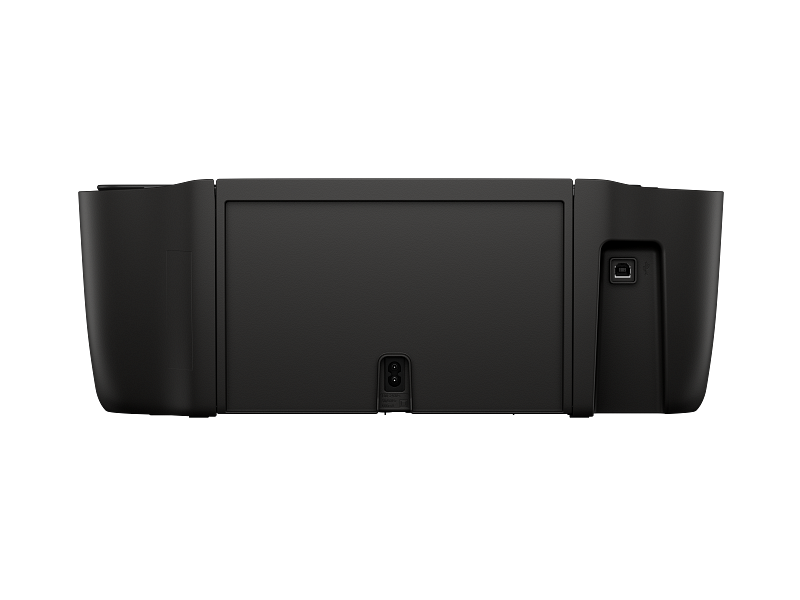
The HP LaserJet M611dn is designed to seamlessly integrate into your business’s existing IT infrastructure, making it easy for your team to adopt and manage. HP’s Universal Print Driver ensures compatibility across different operating systems, simplifying the setup process for IT administrators. Whether you're using Windows, macOS, or Linux, the printer is ready to go without requiring complex configurations. Additionally, the HP Web Jetadmin software allows businesses to manage multiple printers from a single dashboard, streamlining the management of printer fleets and reducing the time spent on maintenance. These tools ensure that the M611dn fits effortlessly into your office’s workflow, enabling smooth and efficient operations without additional hassle.
Energy-Efficient Operation
The HP LaserJet Enterprise M611dn is designed to be energy-efficient, helping businesses reduce their environmental footprint while keeping operational costs low. Certified with the ENERGY STAR® label, this printer consumes less energy without sacrificing performance, making it an eco-friendly solution for businesses looking to minimize their energy consumption. The M611dn also features HP’s Instant-on Technology, which allows it to warm up and print faster while using less energy compared to conventional printers. This energy-saving technology ensures that your business can keep its power consumption under control, while still benefiting from the high-speed, high-quality output the M611dn delivers. As businesses increasingly focus on sustainability, the energy-efficient design of the M611dn makes it a great choice for organizations that want to balance performance with eco-conscious practices.
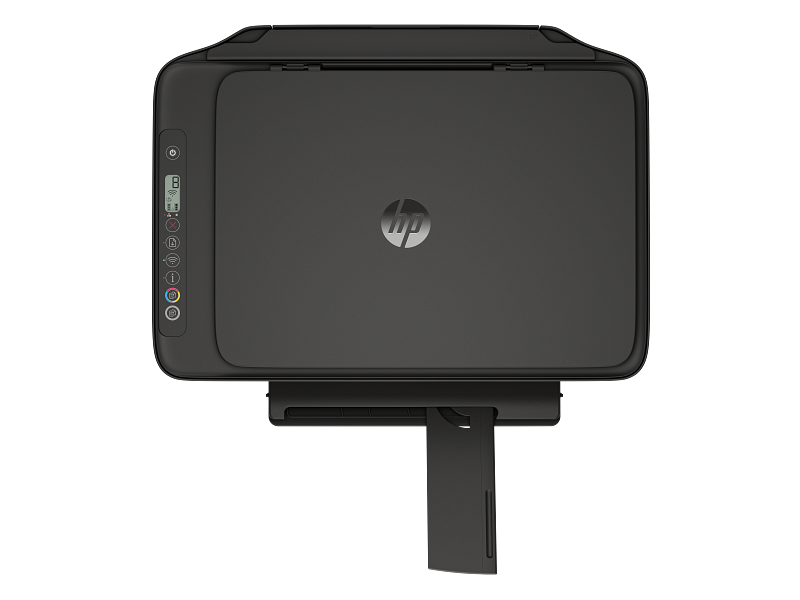
User-Friendly Interface
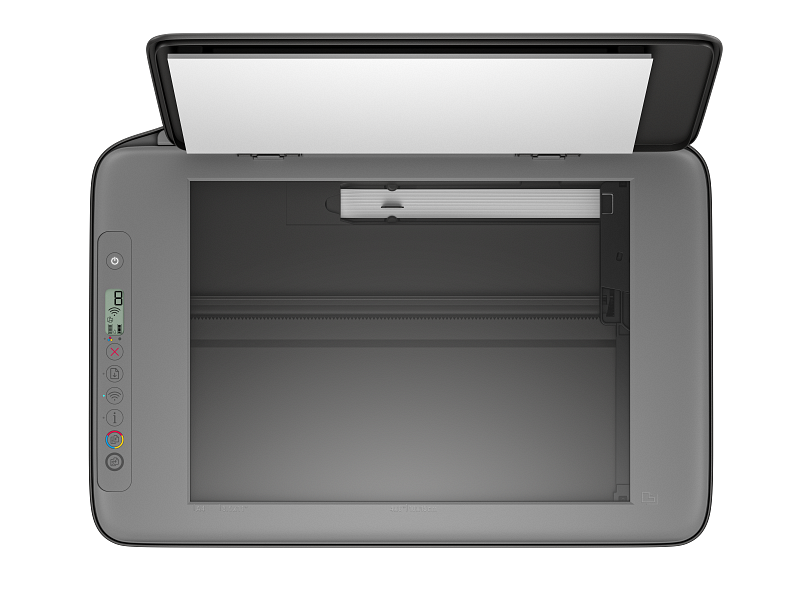
The 2-line LCD control panel of the HP LaserJet M611dn makes operation intuitive and straightforward. With simple navigation options and clear status indicators, users can easily manage print jobs, monitor printer health, and access settings without confusion. This user-friendly interface reduces the learning curve, enabling even new users to operate the device with confidence. The printer is also compatible with HP Smart Device Services, allowing employees to print directly from their smartphones or tablets. Whether you are on the go or working remotely, the M611dn provides the flexibility to print from virtually anywhere, improving convenience and boosting productivity. The combination of a clear interface and mobile printing capabilities ensures that employees can stay connected to the printer and get their tasks done without delay.