
Product Overview
Does your laptop battery read "plugged in not charging?" or simply is your laptop battery not charging?
More often than not this could be because you need a new battery for your laptop. Most Laptop batteries have a lifespan of between 2-3 years but at times even longer depending on usage and your charging cycle.
Have you noticed that all of a sudden the number of hours in between your laptop battery charges has become shorter and shorter?
What is a Charging Cycle:
A laptop battery charge cycle is the process of charging a rechargeable battery and discharging it as required into a load. The term is typically used to specify a battery's expected life, as the number of charge cycles affects life more than the mere passage of time. Discharging the battery fully before recharging may be called "deep discharge"; partially discharging and recharging may be called "shallow discharge".
What is advisable?
A deep discharge of your laptop battery is therefore most advisable. However this may not be fully practical but if you expect a longer life from your laptop battery then this is the only option.
What do I do to have a longer laptop battery life?
Charge your laptop battery fully( till 100%), preferably as you use it
Disconnect your laptop from the power adapter
Continue using your laptop until the battery reaches 10-15%
Re-connect the laptop charger and charge fully once again as you continue using the laptop
If you prefer to get a full charge while your laptop is off then please ensure that you monitor your laptop closely. However this may prove to be a bit challenging
How do I know if my laptop battery is fully charged if I'm charging while my laptop is off?
Most laptops have a small light that usually goes on just next to the laptop charging port and is sure to be noticed as soon as you connect your laptop charger. If say it turns orange as soon as you connect your laptop charger then it is very likely it may turn to a different color like white when the laptop is fully charged. Disconnect your laptop charger as soon as you notice this.
This change in color simply means your laptop battery is not charging any more. Further charge will simply ruin the battery eventually.
Don'ts when it comes to charging your laptop battery
Do not charge your laptop overnight
Do not use a new laptop before charging for at least 6 hours no matter how tempting it is to test your brand new laptop
Once you have purchased your laptop battery in our Nairobi or Mombasa Branches, please ensure you charge for at least 6 hours before using
What is the average Laptop Battery Price in Kenya for my laptop?
Most laptop battery prices range from ksh 3000- ksh 9,500 this majorly depends on the type of laptop that you have which in turn determines whether your laptop battery is internal or external.
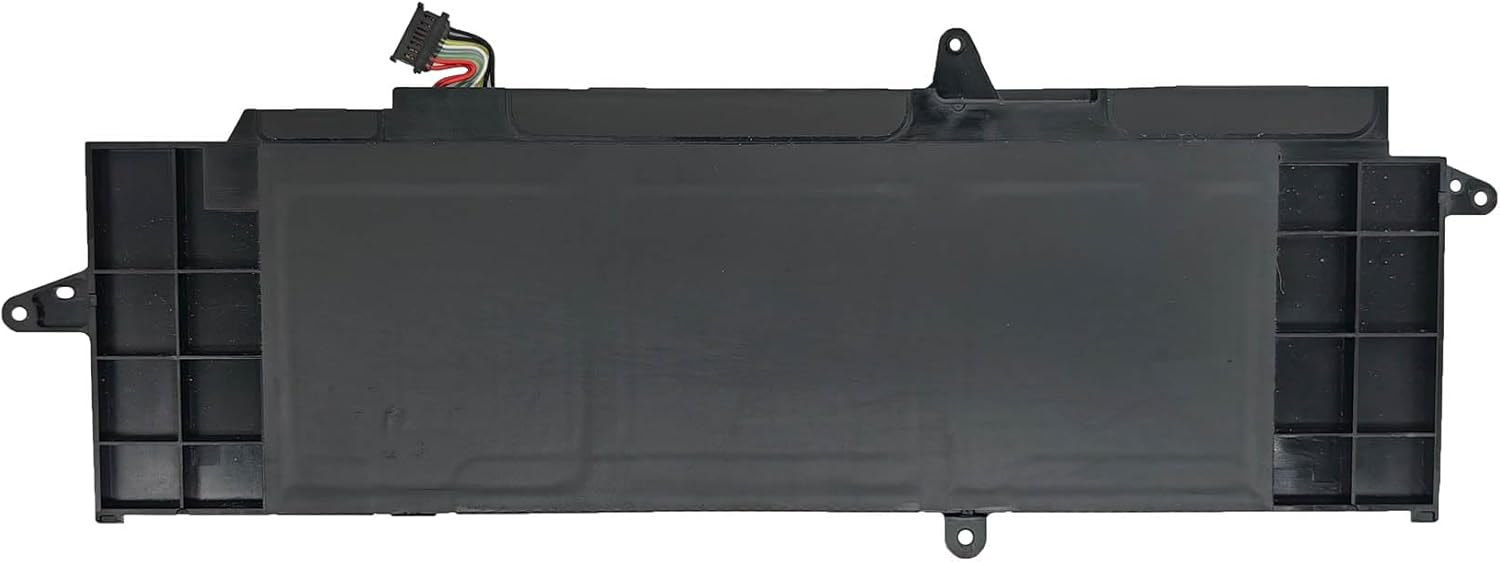
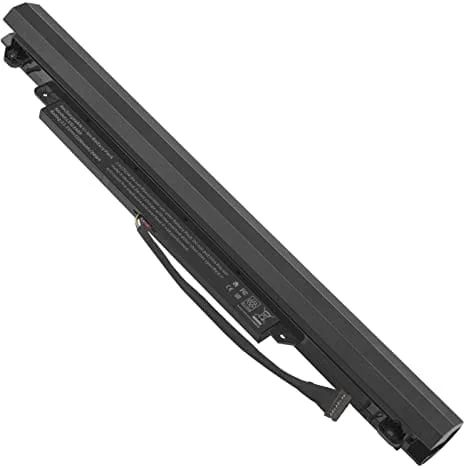
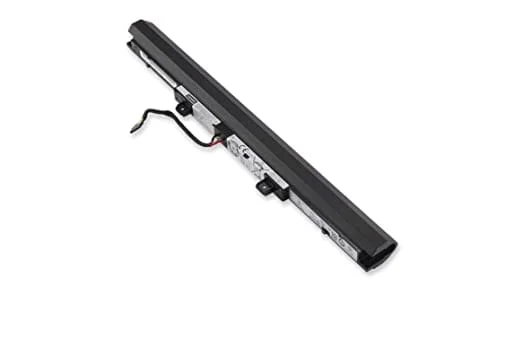
An external laptop battery is one which is easily removable by moving the clips at the back of your laptop.
An internal laptop battery is not visible from the outside and you may require the service of our technicians to get it exchanged/removed. This is usually done free of charge. More often than not this would take less than 30 mins.
How do i tell which kind of laptop battery my laptop uses?
Using the model number of your laptop. More often than not this can be found at the back of your laptop.
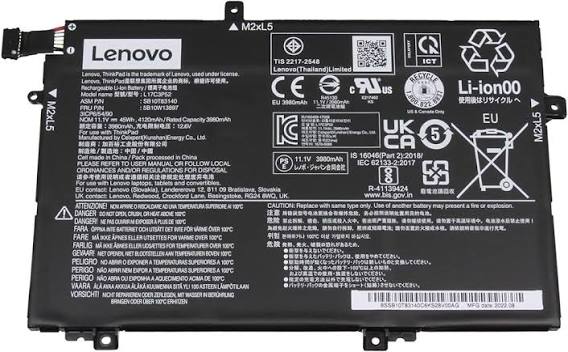
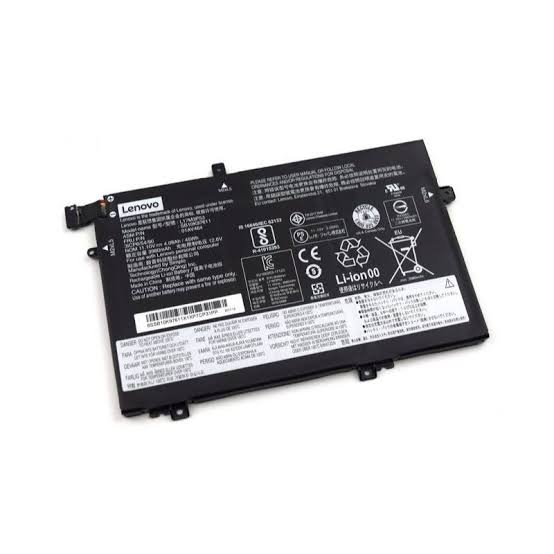
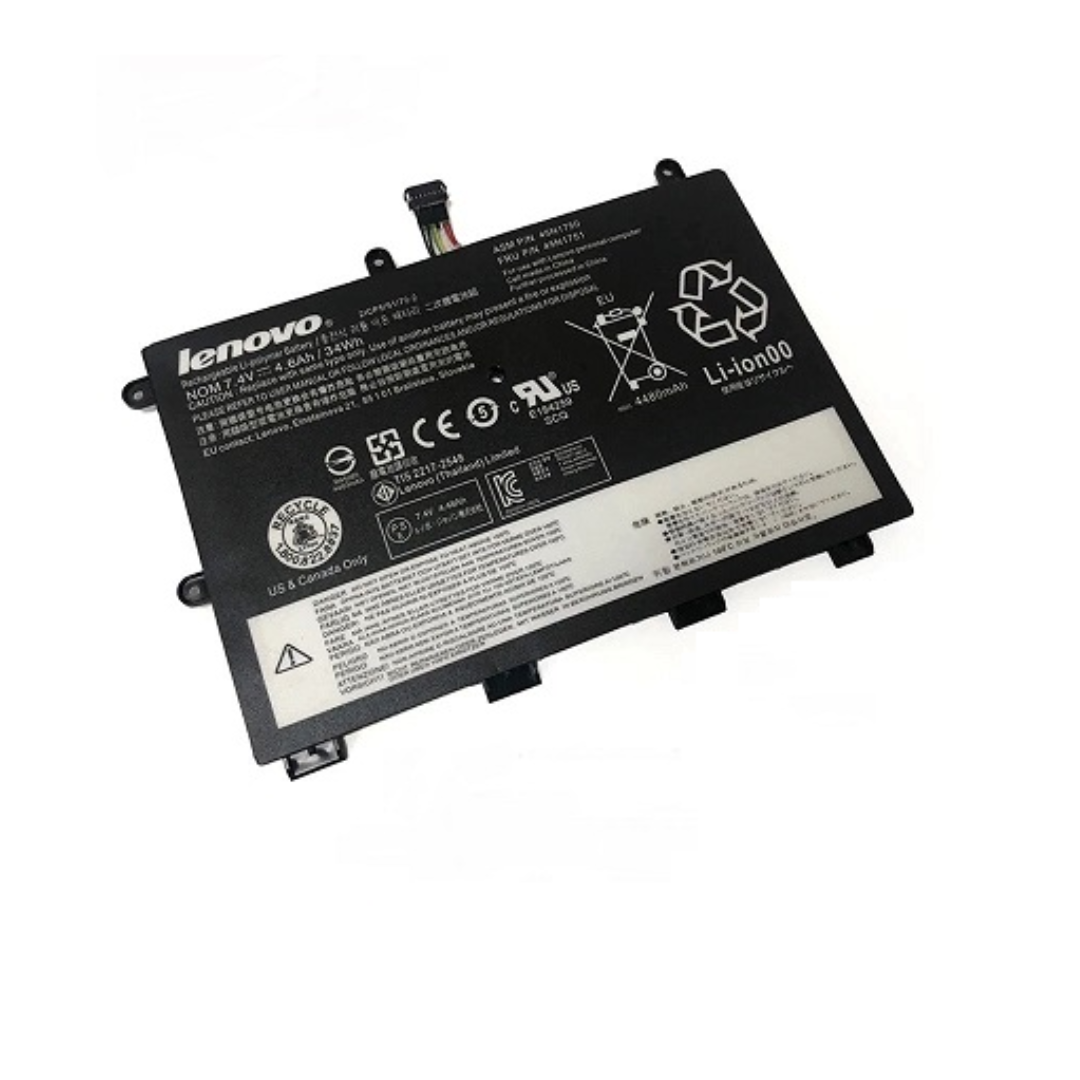
Most removable laptop batteries have their model number written on them. Please share clear pictures of these to our team via whatsApp and we should be able to quote your laptop battery price in Kenya and or in Mombasa
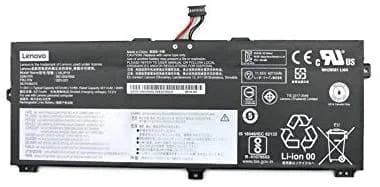
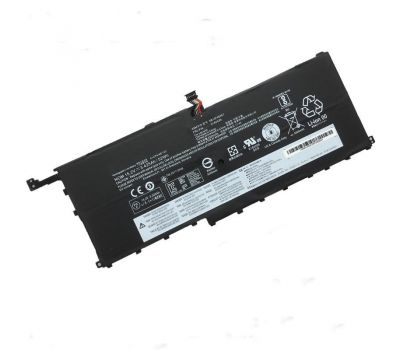
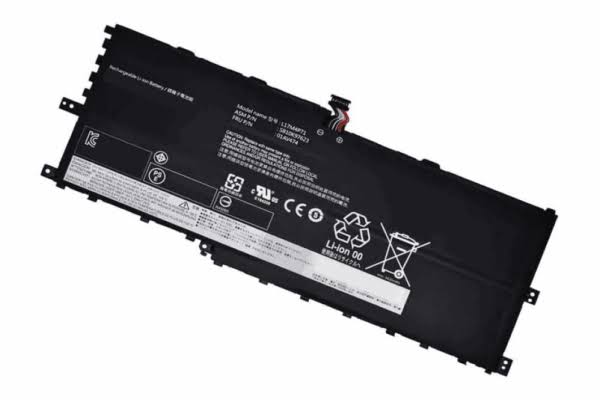
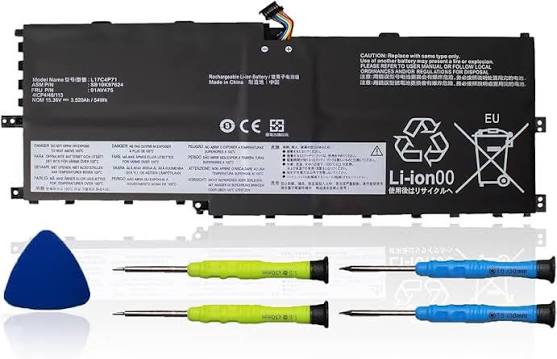
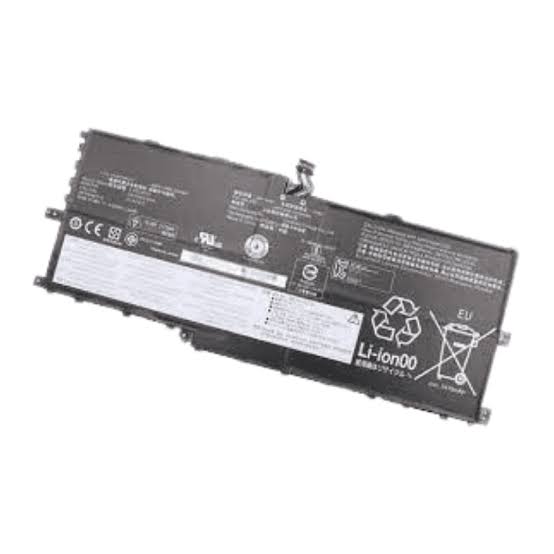
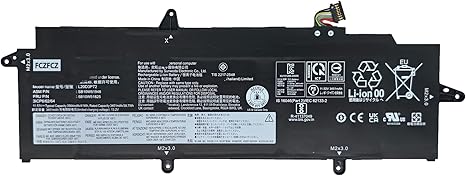
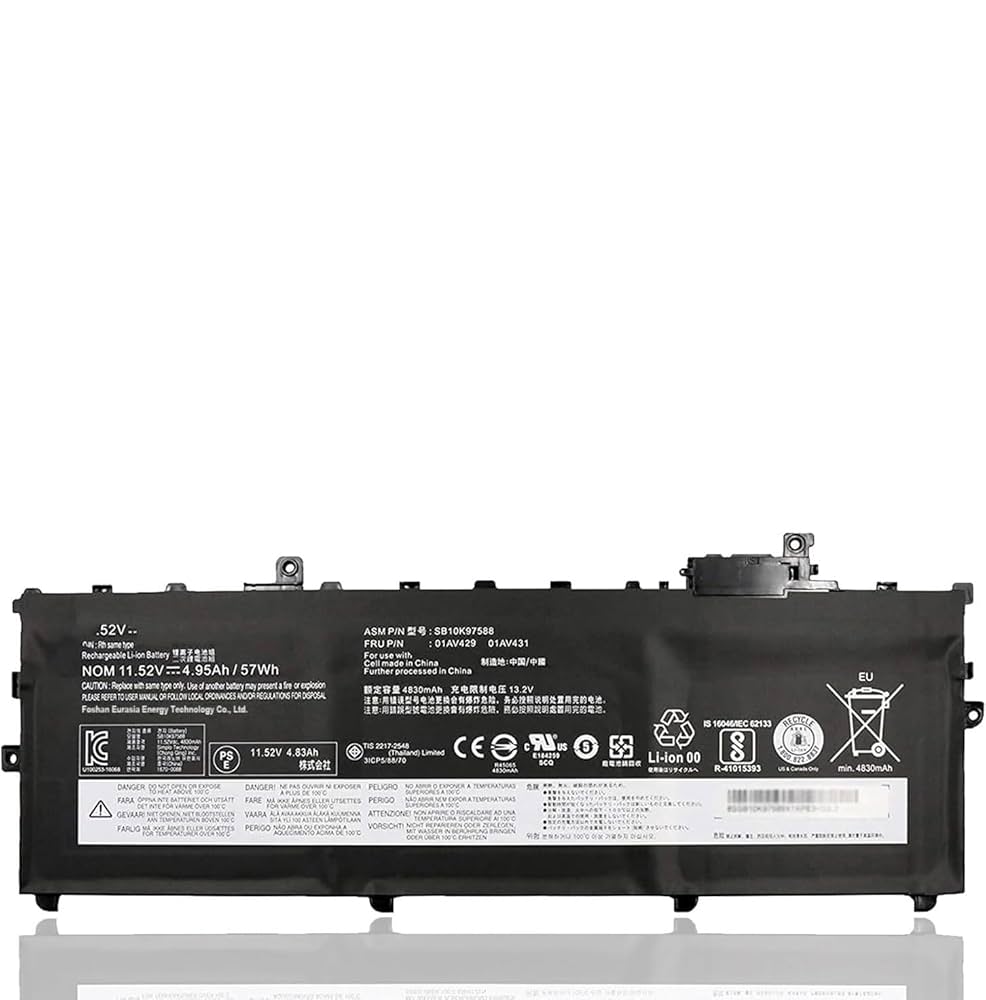
The Lenovo ThinkPad X1 Carbon 5th Gen – 01AV494 Original Battery is a drop-in replacement OEM battery built specifically for the 2017-2018 X1 Carbon laptops. If your battery is degraded, swollen, or unable to hold a decent charge, this genuine battery restores reliability and performance, returning your laptop closer to factory specs.
High-Capacity OEM Power
This is a 3-cell lithium-ion / li-polymer battery with an output around 11.4V-11.58V, and stores approximately 53-57 Watt-hours (Wh) (≈ 4600-4950 mAh depending on the source). This matches what Lenovo originally shipped with the ThinkPad X1 Carbon 5th Gen, supporting long usage between charges under normal conditions.
Compatibility & Fit
The 01AV494 battery is compatible with Lenovo ThinkPad X1 Carbon 5th Gen (2017) models (machine types like 20HR, 20HQ etc.).
It also works with some X1 Carbon 6th Gen (2018) variants, as the battery-form factor and part numbers (01AV429, 01AV430, 01AV431, SB10K97586–SB10K97588) are shared