%203%20Built-in%20Cables%20(USB-C%2C%20Lightning%2C%20USB)%204%20Outputs%20(PixorPB-10225BK)3.jpg)
%203%20Built-in%20Cables%20(USB-C%2C%20Lightning%2C%20USB)%204%20Outputs%20(PixorPB-10225BK).jpg)
%203%20Built-in%20Cables%20(USB-C%2C%20Lightning%2C%20USB)%204%20Outputs%20(PixorPB-10225BK)1.jpg)
%203%20Built-in%20Cables%20(USB-C%2C%20Lightning%2C%20USB)%204%20Outputs%20(PixorPB-10225BK)2.jpg)
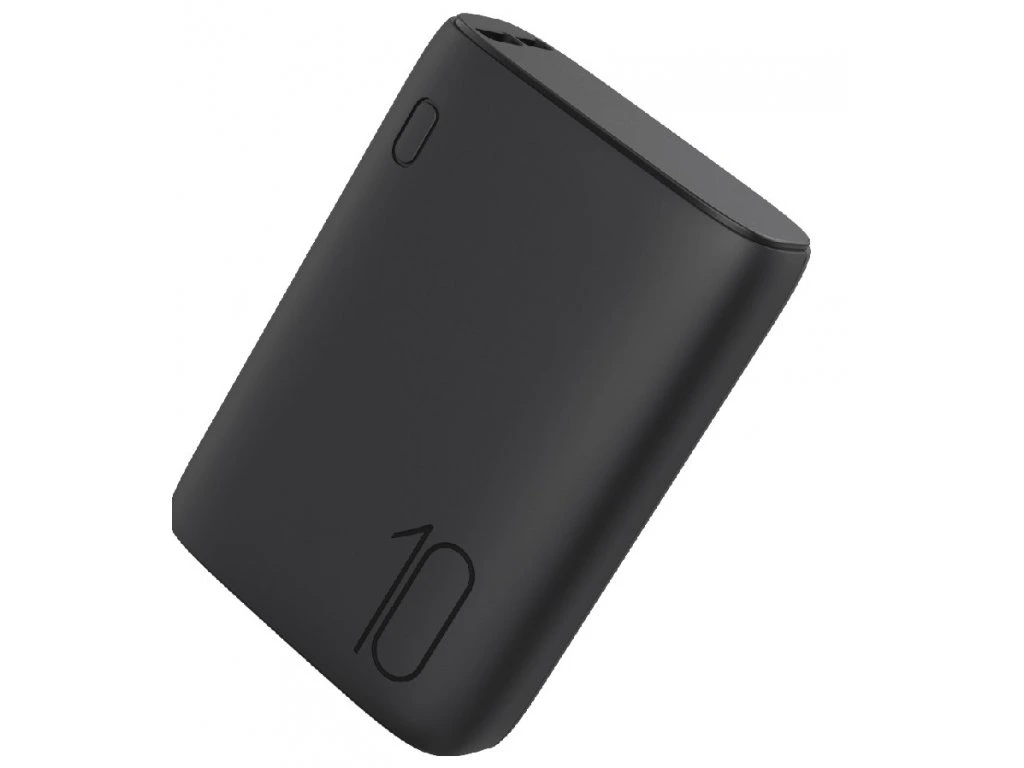
%203%20Built-in%20Cables%20(USB-C%2C%20Lightning%2C%20USB)%204%20Outputs%20PixorPB-50225BK.jpg)
%203%20Built-in%20Cables%20(USB-C%2C%20Lightning%2C%20USB)%204%20Outputs%20PixorPB-50225BK1.jpg)
%203%20Built-in%20Cables%20(USB-C%2C%20Lightning%2C%20USB)%204%20Outputs%20PixorPB-50225BK2.jpg)
%203%20Built-in%20Cables%20(USB-C%2C%20Lightning%2C%20USB)%204%20Outputs%20PixorPB-50225BK3.jpg)
%203%20Built-in%20Cables%20(USB-C%2C%20Lightning%2C%20USB)%204%20Outputs%20PixorPB-30225BK1.jpg)
%203%20Built-in%20Cables%20(USB-C%2C%20Lightning%2C%20USB)%204%20Outputs%20PixorPB-30225BK.jpg)
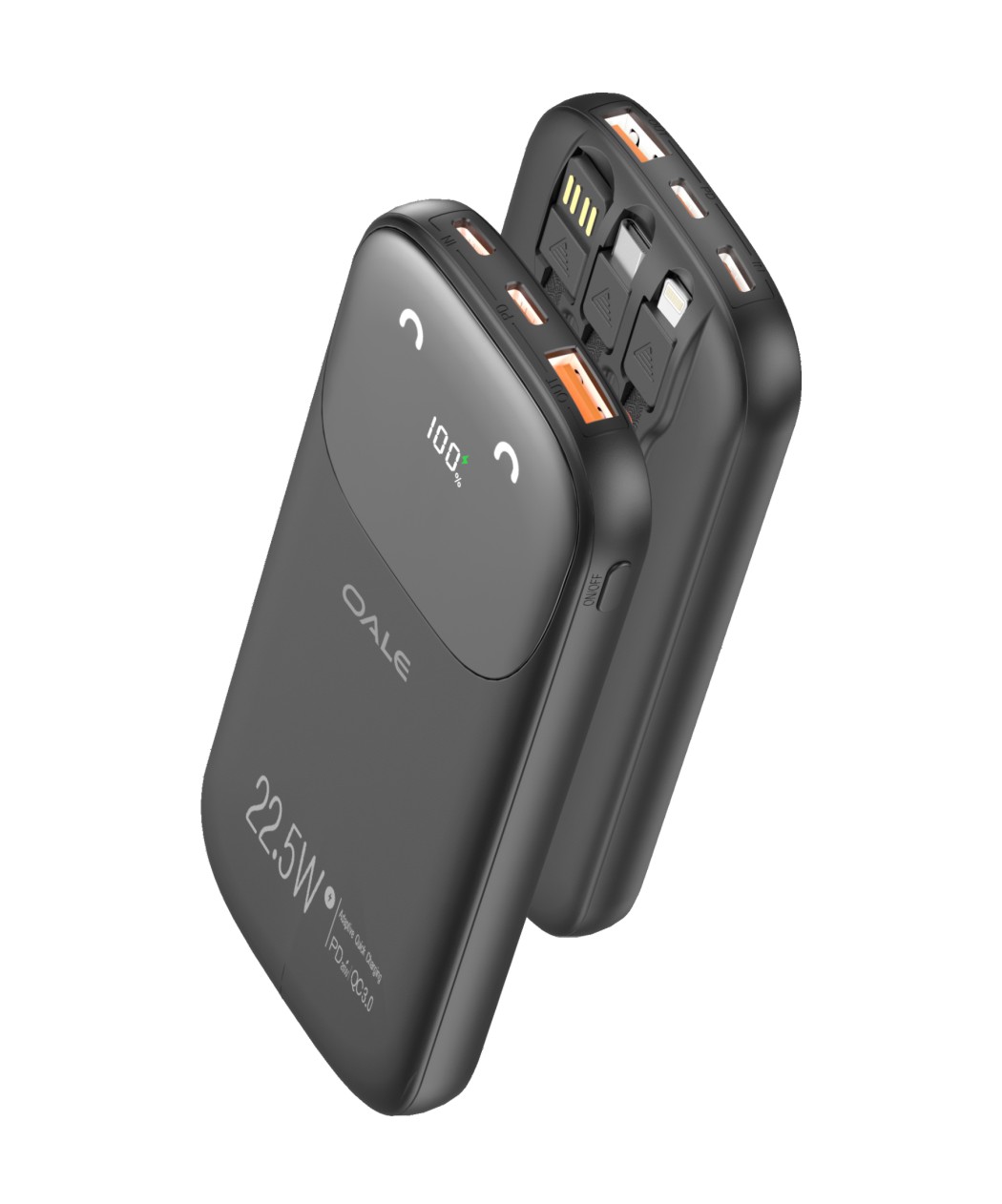
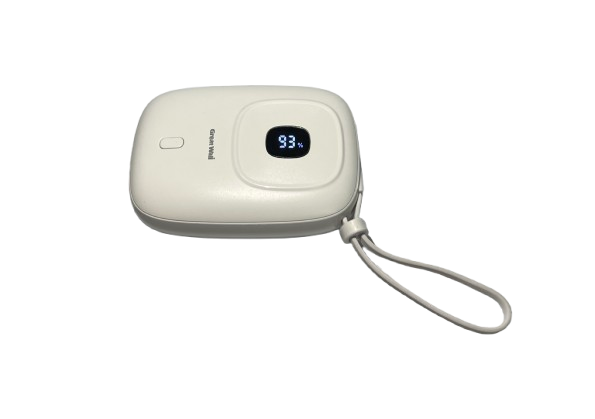
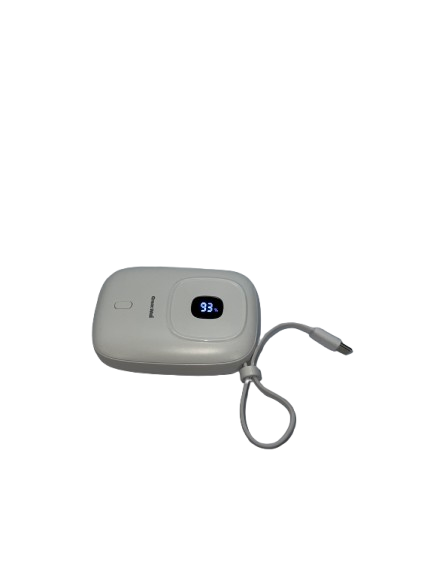
%203%20Built-in%20Cables%20(USB-C%2C%20Lightning%2C%20USB)%204%20Outputs%20PixorPB-40225BK.jpg)
%203%20Built-in%20Cables%20(USB-C%2C%20Lightning%2C%20USB)%204%20Outputs%20PixorPB-40225BK1.jpg)
%203%20Built-in%20Cables%20(USB-C%2C%20Lightning%2C%20USB)%204%20Outputs%20PixorPB-40225BK3.jpg)
%203%20Built-in%20Cables%20(USB-C%2C%20Lightning%2C%20USB)%204%20Outputs%20PixorPB-40225BK2.jpg)
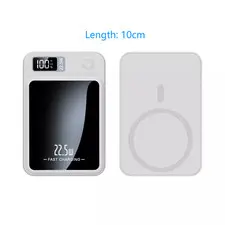
Product Overview:
The S-TEK Wireless Magnetic Portable Power Bank with Smart LED Display is a versatile and efficient charging solution designed for modern mobile devices. While specific details about the S-TEK model are limited, similar products in this category offer a range of features that enhance user convenience and device compatibility.
Key Features:
Magnetic Wireless Charging: Designed to align seamlessly with devices that support magnetic charging, such as MagSafe-compatible smartphones, ensuring a secure and efficient charging experience.
Smart LED Display: Equipped with an LED display that provides real-time information on the remaining battery capacity, allowing users to monitor power levels easily.
Compact and Portable Design: Its sleek and lightweight construction makes it ideal for on-the-go use, fitting comfortably in pockets or bags.
High-Capacity Battery: Typically, such power banks come with capacities ranging from 5,000mAh to 10,000mAh, providing multiple charges for smartphones and other devices.
Multiple Charging Options: In addition to wireless charging, these power banks often feature USB-C and USB-A ports, supporting fast wired charging for various devices.
Safety Features: Built-in protections against overcharging, overheating, and short-circuiting ensure the safety of both the power bank and connected devices.
Considerations:
Device Compatibility: Ensure that your device supports magnetic wireless charging to take full advantage of this feature.
Charging Speed: Charging speeds may vary based on the device and charging method (wireless vs. wired).
Case Interference: Magnetic charging may be less effective or incompatible with certain phone cases, especially those with metal components.
In summary, the S-TEK Wireless Magnetic Portable Power Bank with Smart LED Display offers a convenient and efficient way to keep your devices charged, combining modern features with user-friendly design.